Forum Discussion

David_Elsner
Apr 05, 2024Brass Contributor
Edge: PDF files are opened with drawboard by default
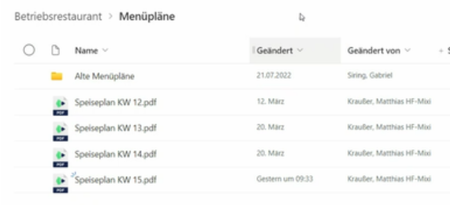
A strange behavior happens to all PDF files on some of our computers. When we open a library on certain computers in the Edge browser, PDFs are opened by "Drawboard" what seems to be a software for ...

nicobe1
Apr 07, 2024Copper Contributor
Resetting the settings in the edge Browser has helped resolve on a individual user basis.
From edge settings search for reset then choose option: Restore settings to their default values.
this has worked so far
From edge settings search for reset then choose option: Restore settings to their default values.
this has worked so far

Sean_Boltman
Apr 07, 2024Copper Contributor
Are you referring to this: edge://settings/resetProfileSettings
If so, in my testing, after having gone to Edge 123.*, and finding I could not open a PDF other than in the browser, I ran the reset above. For me, it was only then that I began to start seeing the PDF clicks getting rerouted to Drawboard. That experience I took a few others through, with the same results. Drawboard madness.
I just re-ran your test, using the navigation you described, it end up in the that same "reset" location as the URL I provided, but the net result of running that, for me is: Click on a PDF, and it opens in the browser. Side note: Not sure where trying to load Drawboard comes into play, but I have ran into that to
thanks for responding to the thread!