Forum Discussion

Rick Segal
Mar 15, 2019Brass Contributor
Copying files between different site libraries fails.
Greetings, I have created several libraries on my SP (O365) site. Documents Photos Team Materials Support I also have a site call External Sharing with Documents Photo Support I want to ...

Mar 15, 2019
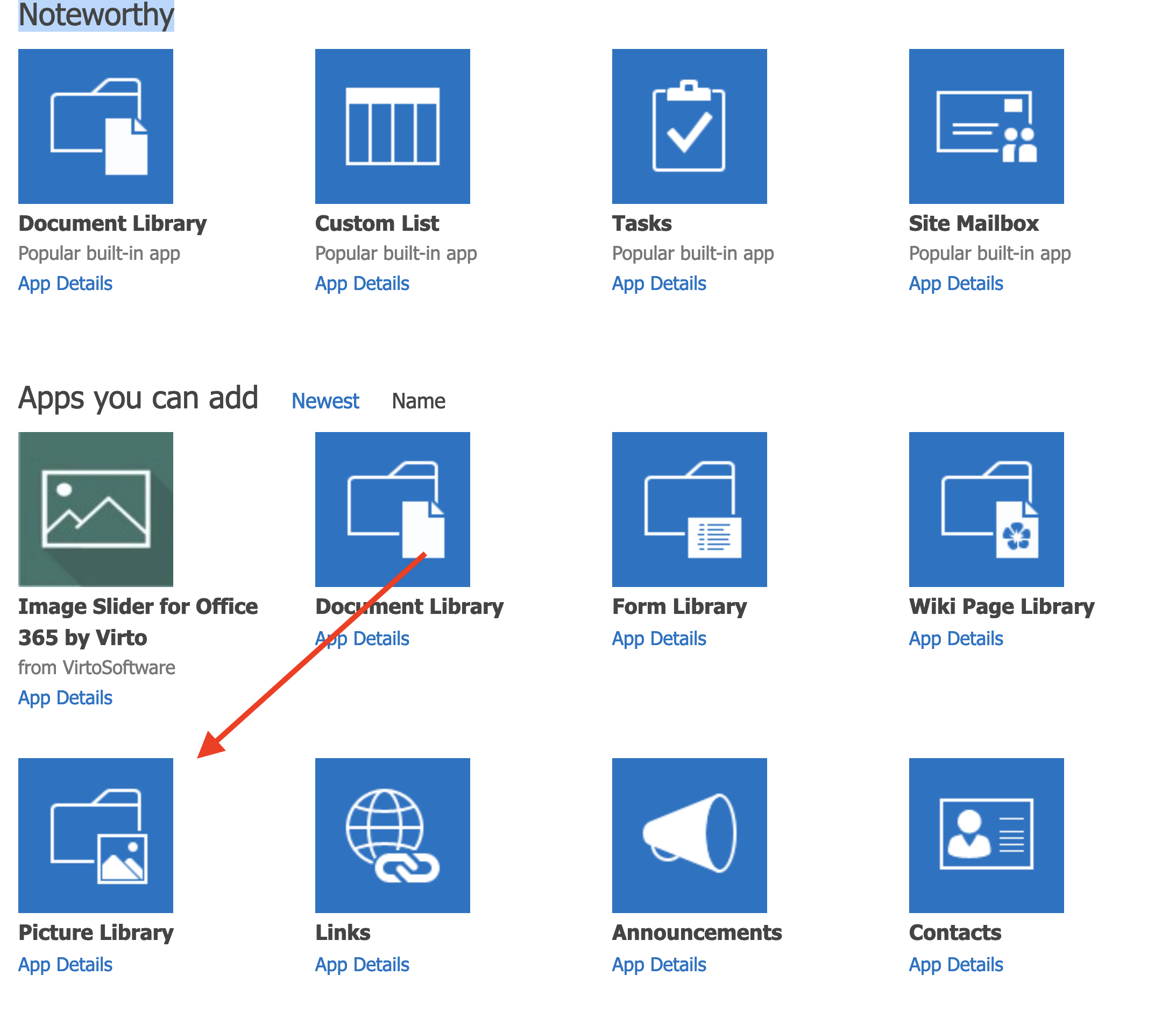
It should work. My guess is you created a photo library type instead of a document library that might not be using a modern template could be causing the issue?
Any metadata involved on the two libraries? It should still allow it if so but would be nice to know for next steps if the above isn’t the case.
Any metadata involved on the two libraries? It should still allow it if so but would be nice to know for next steps if the above isn’t the case.

Rick Segal
Mar 15, 2019Brass Contributor
Thanks for this answer. Seemed odd to me the the photo library is treated differently, but you nailed the problem! Thanks
- Mar 15, 2019You should use a modern library for your photos. You can essentially have thumbnails and similar features now on a normal library. I use a regular one for my photos.
- Rick SegalMar 15, 2019Brass Contributor
Not sure if I'm missing something dead obvious but I selected the photo library. Is that not the modern one?
- Mar 15, 2019I don’t think it’s been converted. But I select document library and use it for photos. Because of previews and the tiles view you can filter off metadata etc. I did it because photo library wasn’t modern at the time.