Forum Discussion

Copying files between different site libraries fails.

Any metadata involved on the two libraries? It should still allow it if so but would be nice to know for next steps if the above isn’t the case.
 Rick SegalMar 15, 2019Brass Contributor
Thanks for this answer. Seemed odd to me the the photo library is treated differently, but you nailed the problem! Thanks
- Mar 15, 2019You should use a modern library for your photos. You can essentially have thumbnails and similar features now on a normal library. I use a regular one for my photos.
- Rick SegalMar 15, 2019Brass Contributor
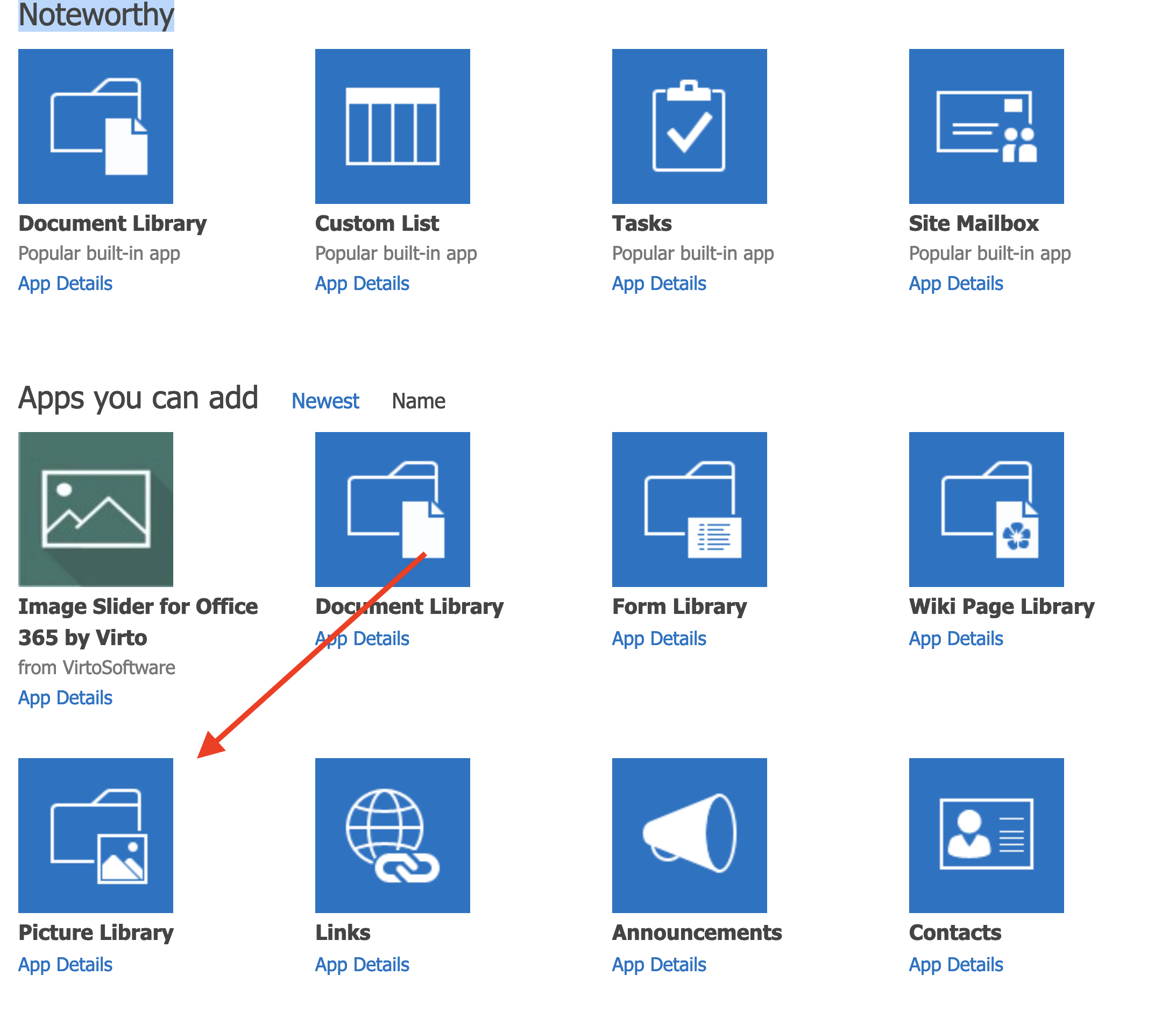
Not sure if I'm missing something dead obvious but I selected the photo library. Is that not the modern one?
- Norman YoungMar 15, 2019MVP
- Rick SegalMar 15, 2019Brass Contributor
Norman Young and ChrisWebbTech
Thank you very much for your quick replies. The situation is indeed as you suspected. I have a document library on site one that is named photo assets and a photo support library that is a the photo library app added from the menu of adding apps. Both of them are called libraries when you add them. And if you have ten document libraries on site one and ten on another, no problems, everything can be copied from everywhere.
What surprises me is not being able to take a folder of jpgs and move them to a photo library from a document library. Either on the same site or between sites.
I do appreciate your responses and all the people here who answer my questions. This is invaluable assistance.
Thanks,
Rick