Forum Discussion

pandaym
Dec 18, 2018Copper Contributor
Changing design of the Office 365 Navigation bar in SharePoint?
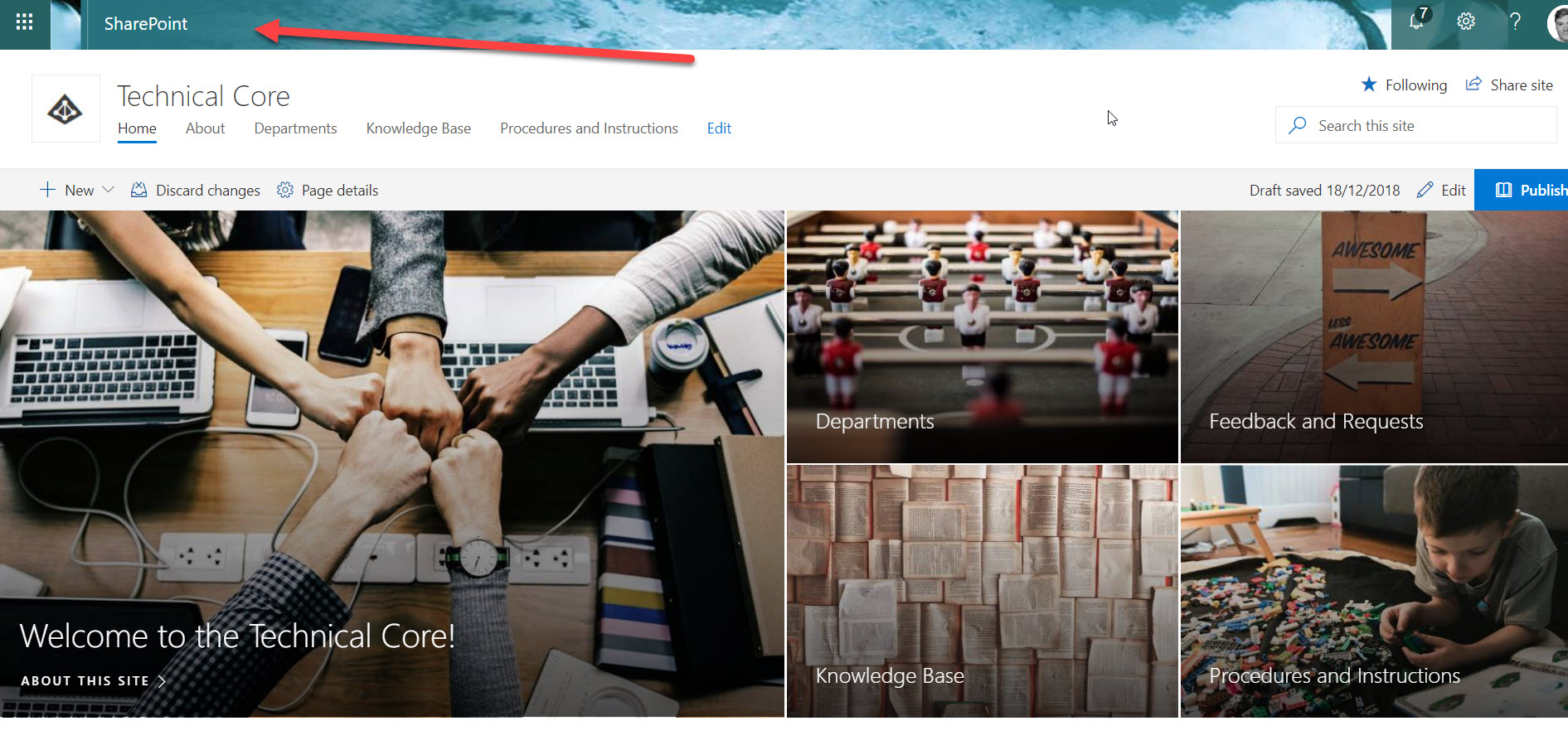
Hi everyone, I am building a SharePoint site for my department, and would like it to look inviting for my users. Unfortunately I cannot seem to be able to change the looks of the Office 365 nav...

pandaym
Dec 18, 2018Copper Contributor
Where do you change it? In my profile?

Dec 18, 2018
As an Admin you can change Top Navigation bar Look & Feel in the Admin Center Home Page:
- Browse the Admin Center Home Page
- Navigate to Settings -> Organization Profile
- Locate "anage custom themes for your organization" section and clic on Edit
- Browse the Admin Center Home Page
- Navigate to Settings -> Organization Profile
- Locate "anage custom themes for your organization" section and clic on Edit
- pandaymDec 18, 2018Copper Contributor
So it cannot be changed on a per site basis?
- Dec 18, 2018No.
That is an office 365 global Setting- Dec 18, 2018No for now for modern SPO sites, but I'm sure they will provide a way in the future because this is some of the things we could do in classic SPO sites by means of JS inyection