Forum Discussion

pandaym
Dec 18, 2018Copper Contributor
Changing design of the Office 365 Navigation bar in SharePoint?
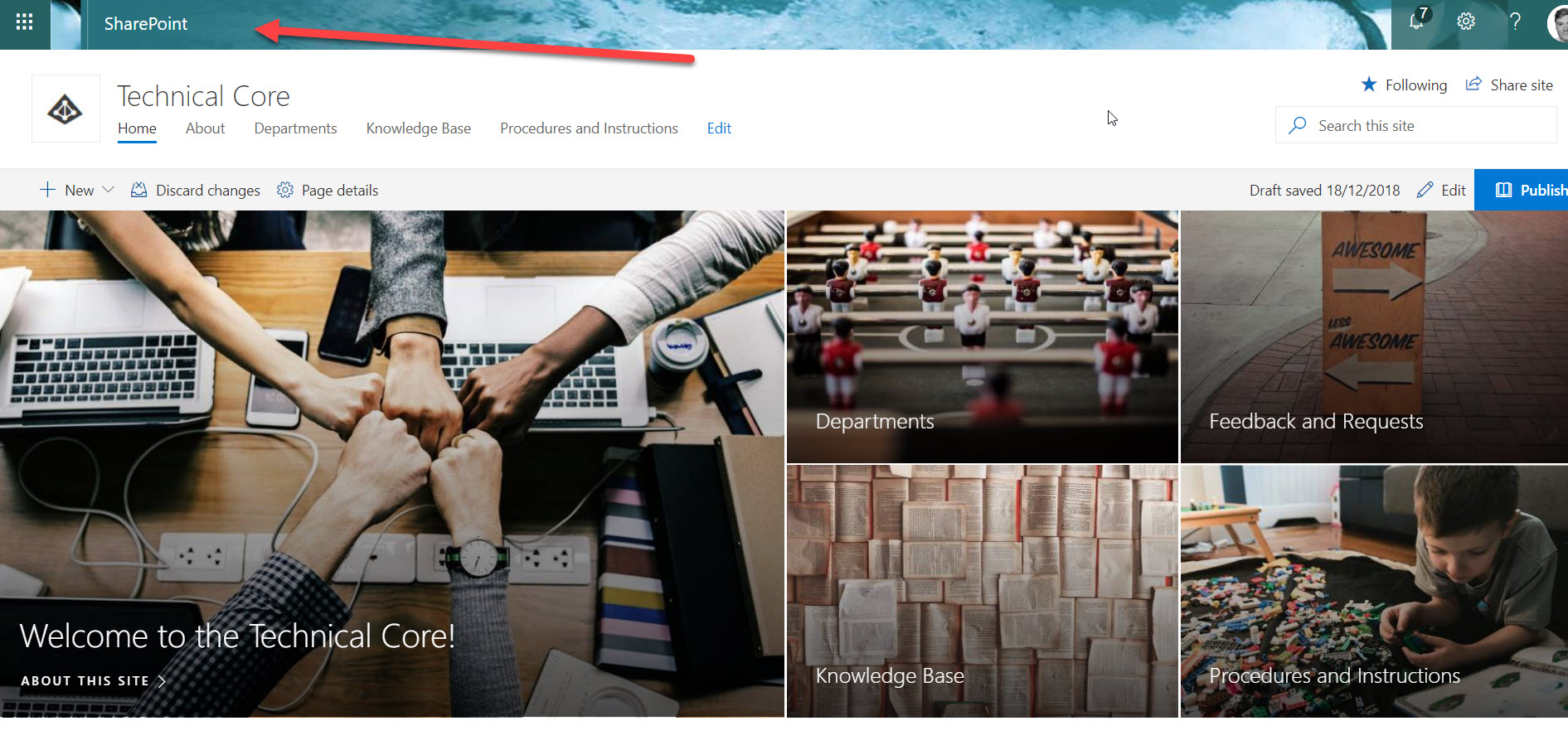
Hi everyone, I am building a SharePoint site for my department, and would like it to look inviting for my users. Unfortunately I cannot seem to be able to change the looks of the Office 365 nav...

Dec 18, 2018
That is the office 365 suite bar and is tied to SharePoint. Once you change it. You give it a little time for cache to reset or try a refresh or two after a bit and it should change.
The only other time it wouldn’t is if your admin has company branding on for it and don’t allow you to change it so you may need to ask them but you said changing it worked other than SharePoint. Think you may just need to give it time to propagate to the sharepoint serveds.
The only other time it wouldn’t is if your admin has company branding on for it and don’t allow you to change it so you may need to ask them but you said changing it worked other than SharePoint. Think you may just need to give it time to propagate to the sharepoint serveds.

pandaym
Dec 18, 2018Copper Contributor
Where do you change it? In my profile?
- Dec 18, 2018As an Admin you can change Top Navigation bar Look & Feel in the Admin Center Home Page:
- Browse the Admin Center Home Page
- Navigate to Settings -> Organization Profile
- Locate "anage custom themes for your organization" section and clic on Edit- pandaymDec 18, 2018Copper Contributor
So it cannot be changed on a per site basis?
- Dec 18, 2018No.
That is an office 365 global Setting