Forum Discussion

Access has been blocked by Conditional Access policies.
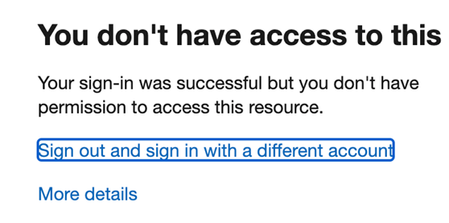

It does not give me any more info. I doe see the user uses a Mac. This might me an issue ?
Gr Robert

- Robertls6Jun 20, 2022Copper Contributor
So I tried to log in on another Macbook. Worked fine.
I searched the Azure detals and found that this keeps happening:
The "control elements" keep getting blocked.
Still not sure what this means
 Dave_WebsterNov 23, 2022Copper Contributor
Robertls6 Did this every get resolved as I have the same scenario / issue with security defaults.
- Nov 23, 2022
This is what happens when security defaults are enabled.
Requiring all users to register for Azure AD Multi-Factor Authentication.
Requiring administrators to do multifactor authentication.
Requiring users to do multifactor authentication when necessary.
Blocking legacy authentication protocols.
Protecting privileged activities like access to the Azure portal.
My guess here is the legacy protocols.
In general, when using conditional access policies, they should be analyzed before turning them on, such as "report-only" mode to see what will happen. Let's say you have apps that doesn't support modern authentication, or your environment is enabled for modern authentication, if you then disable all legacy protocols... another example could be trying to sign in from a location that isn't specified in the trusted locations in the CA policy and so on.
To be able to configure CA policies though one cannot use Azure AD free (security defaults) as Azure AAD P1 is required.