Forum Discussion

How to set your display name in the New Outlook?
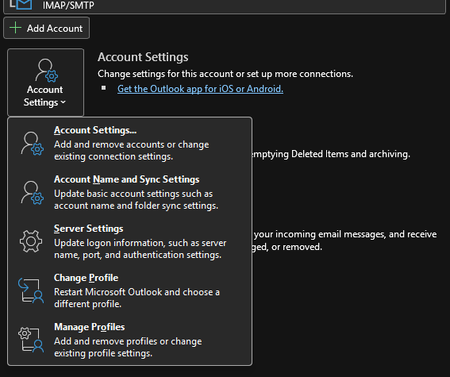

In New Outlook, the email address will appear while composing a message for security reasons. Some users have multiple email addresses that look similar.
Once the message is sent and arrives at the recipient's mailbox, your display name will appear. If your display name is already set, no worries. Again, the recipient will see the display name.
To change your display name for personal or business accounts, follow the steps below. Most organizations disable this capability; contact your IT Admin.
MS365 Subscription
- Navigate to https://admin.cloud.microsoft/ (you must have global admin rights to make changes).
- Active Users | Select Person | Manage Contact Information
Outlook.com Users
- While in Outlook.com, click Profile Picture
- My Account | Your Info |
- Add a photo or Edit Name
If this information is helpful, please mark it as the best response. It will help others with the same question.
#traccreationsre-r26 8/3/2026