Forum Discussion

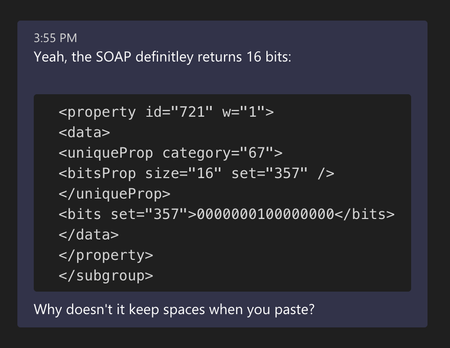
Why does Teams always strip indentation when pasting text?
 May 14, 2021
my-kl
So I got to the heart of the matter. I used the https://evercoder.github.io/clipboard-inspector/ to inspect the contents of clipboard when copying the same text from two different apps. Both have two entries. One of the entries is text/html and one is text/plain. The text/plain as you might guess is identical. The html is quite different. I then copied the html and rendered.
This is what I see from TextEditThis is what I see from Visual Studio Code
So this would appear to be an issue with my environment in Visual Studio Code (or even a defect in Code, I"m not sure)
Not sure about the accepted answer, but I created a github repo that is a simple html file (you can download and open it locally), which lets you paste in code you have received or sent via teams (with the leading tabs turned to spaces), click the button, and output the code with the leading spaces turned back into tabs. Here is the repo: https://github.com/hoolahoop/FixMSCodePaste