Forum Discussion

my-kl
May 12, 2021Brass Contributor
Why does Teams always strip indentation when pasting text?
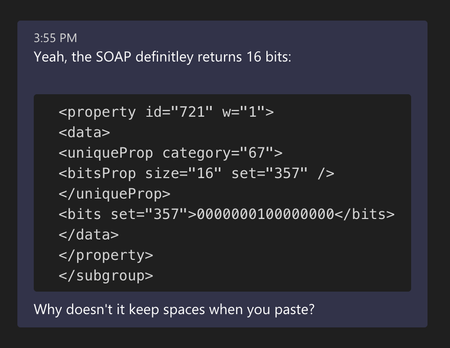
It's fairly common to want to post code in teams (without using the special formatting for code snippets). The markdown like syntax for code works pretty well when typing code and it preserves ind...
 May 14, 2021
my-kl
So I got to the heart of the matter. I used the https://evercoder.github.io/clipboard-inspector/ to inspect the contents of clipboard when copying the same text from two different apps. Both have two entries. One of the entries is text/html and one is text/plain. The text/plain as you might guess is identical. The html is quite different. I then copied the html and rendered.
This is what I see from TextEditThis is what I see from Visual Studio Code
So this would appear to be an issue with my environment in Visual Studio Code (or even a defect in Code, I"m not sure)
