Forum Discussion

"We couldn't open this Whiteboard" when opening Whiteboard from tab in Microsoft Teams
- Jun 09, 2020
ChristianBergstrom and @JasonDaSilva
I figured it out.I had to log out of Microsoft Whiteboard and log in using the same account as i was using in Microsoft Teams.
The error message should say that i was trying to open a whiteboard from Microsoft Teams in Microsoft Whiteboard using an account on a different "tenant".
That would help the user to fix this issue on their own...


Was this from a meeting invite or a WhiteBoard invite? I have once had an issue where the meeting invite exceeded the 250 seat limit. Even though only about 100 people where on, some of the people where not able to join/view the shared whiteboard.
I agree that the app is self is a lot better, was actually training staff on that yesterday. If they build the feature to import an image into the background in the Teams app, it would be more functional for our needs.
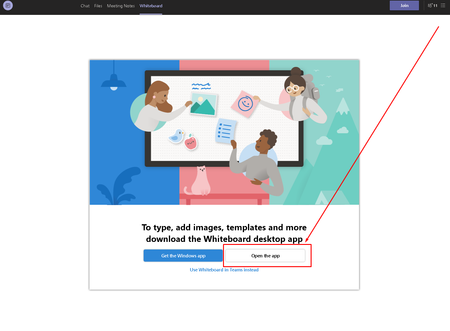
Funny, went to try a test just now by opening up a meeting by my self, clicked share WhiteBoard and got:
will test it again with others when I have the chance. Could this be due to the fact that I may have deleted the WhiteBoard for this test meeting from the app? I was cleaning up blank whiteboard spaces from there the other day...

JasonDaSilva Hey, I've seen the exact same issue you attached. To work around it the user had to start the Whiteboard app before opening it in Teams. It seems a bit "buggy" in general I have to say.