Forum Discussion

gcjuw84
Jul 03, 2020Brass Contributor
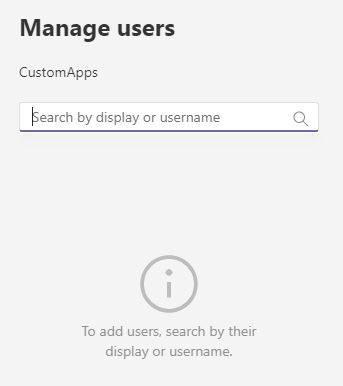
View users assigned to an App Setup Policy
Hi everyone I have created a custom app setup policy to allow a subset of users to allow the upload of custom apps. This is working fine but as I'm adding more users I need an easy way to see ev...
 Jul 03, 2020
gcjuw84 Hey, just use it anyway. It won't break anything 🙂
You can use the Get-CsOnlineUser cmdlet by the way.
e.g. Get-CsOnlineUser-Filter {teamsappsetuppolicy -eq "enterpolicynamehere"} but you'd probably want to adjust it to get a clean result and to fit your requirements.
ChristianBergstrom
Jul 03, 2020Silver Contributor
gcjuw84 Hey, just use it anyway. It won't break anything 🙂
You can use the Get-CsOnlineUser cmdlet by the way.
e.g. Get-CsOnlineUser-Filter {teamsappsetuppolicy -eq "enterpolicynamehere"} but you'd probably want to adjust it to get a clean result and to fit your requirements.
 Jon-eofficeMay 15, 2024Copper Contributor
For futher people coming along, changed to make it work directly
Get-CsOnlineUser -Filter {TeamsAppPermissionPolicy -eq "enterpolicynamehere"}
- Msagent1505Sep 14, 2022Copper ContributorIt does not work. its wrong answer
- Jul 28, 2023Works just fine as I just needed to use it.. and still works in the new Teams powershell cmdlet packages...
