Forum Discussion

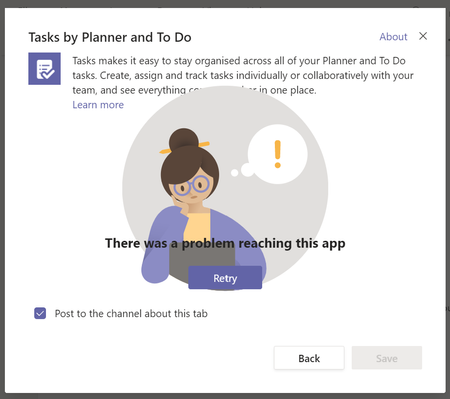
Unable to connect to Planner through Teams

adam deltinger At the moment, it's just for me. It does happen for others intermittently, but for me, it's every time, all the time now.

Adam
- Todd HarrisonJan 18, 2021Copper Contributor
adam deltinger It's across all our plans, but here's something else that might help. I hadn't actually put two-and-two together until now that I've got my mind firmly fixed on troubleshooting this issue:
When I try to access any office.com address on this machine, the first one or two tries always fail. It doesn't matter what browser I use and it doesn't matter whether I have my antivirus turned on or off.
I have set all the office domains listed in the relevant MS support article to 'trusted' in both my Windows Internet settings and in my antivirus (they're actually set as 'exceptions' in Kaspersky, but same same thing I think).
So I think there is 'something' definitely blocking or attempting to block access to MS or Office domains from this machine, but I cannot for the LIFE of me figure out what it is!
And like I said, now that I think about it, I'm getting more and more confident that the two issues are related.Any networking folks out there who might know something, I'd really appreciate a pointer in the right direction. I'm using a BT connecting here, with a fairly new (2-years old) home hub. Are there some settings there that might need to be tweaked?
Thanks everyone for your thoughts so far!!
-confused in Wales 😉