Forum Discussion

RelogCSF
Sep 09, 2019Copper Contributor
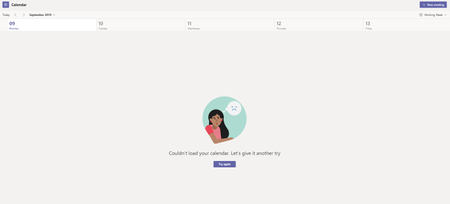
Teams Calendar Issue | "Couldn't load your calendar. Let's give it another try"
Good day, We started a new tenant at the beginning of the month, and our calendars are not displaying in Teams, which brings up this notification on all PCs on tenant. Please assist....

JennyGaoAAL
Apr 23, 2020Copper Contributor
I had one user reported the same today. Here is what I did, but not sure which step(s) are the fix.
1. In Teams desktop app, check for update.
2. Log into portal.office.com, user signed in.
3. Go to Teams web app, go to Calendar. It loaded successfully there.
4. Go back to Teams desktop app, the update has completed. Follow the prompt, close desktop app, re-open. Go to Calendar in the desktop app again, it loaded successfully.

kunalkakkar
May 19, 2022Copper Contributor
JennyGaoAAL Updating the Teams App worked for me, so I believe that's the solution 🙂