Forum Discussion

Teams Calendar Issue | "Couldn't load your calendar. Let's give it another try"
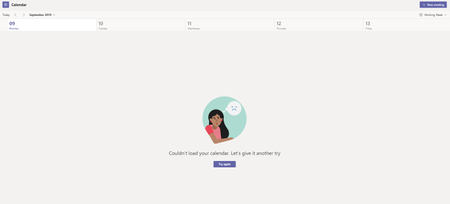

Hi,
I installed team today .But I have the same issue with the calendar.How you resolved it.

I had one user reported the same today. Here is what I did, but not sure which step(s) are the fix.
1. In Teams desktop app, check for update.
2. Log into portal.office.com, user signed in.
3. Go to Teams web app, go to Calendar. It loaded successfully there.
4. Go back to Teams desktop app, the update has completed. Follow the prompt, close desktop app, re-open. Go to Calendar in the desktop app again, it loaded successfully.
 kunalkakkarMay 19, 2022Copper Contributor
JennyGaoAAL Updating the Teams App worked for me, so I believe that's the solution 🙂
 TechJunkie386Dec 06, 2021Copper Contributor
Thanks for your assistance. In my case uninstalling Teams and then downloading the installer from our Office365 environment did the trick.
 RmaguireOct 08, 2021Copper ContributorThank you, this worked for me.
 llagosMay 07, 2020Copper Contributor
I tried this, but I have the same error on the portal as well 😞
- SqualaDesignMay 21, 2020Copper Contributor
Same problem, I cannot create event and not able to look my calendar
- thewonderMay 22, 2020Copper ContributorI have had this issue and fixed by reinstalling MS Teams 32 bit
64 bit making issues with O365 apps
