Forum Discussion

"Someone has already set up Teams for your organization"
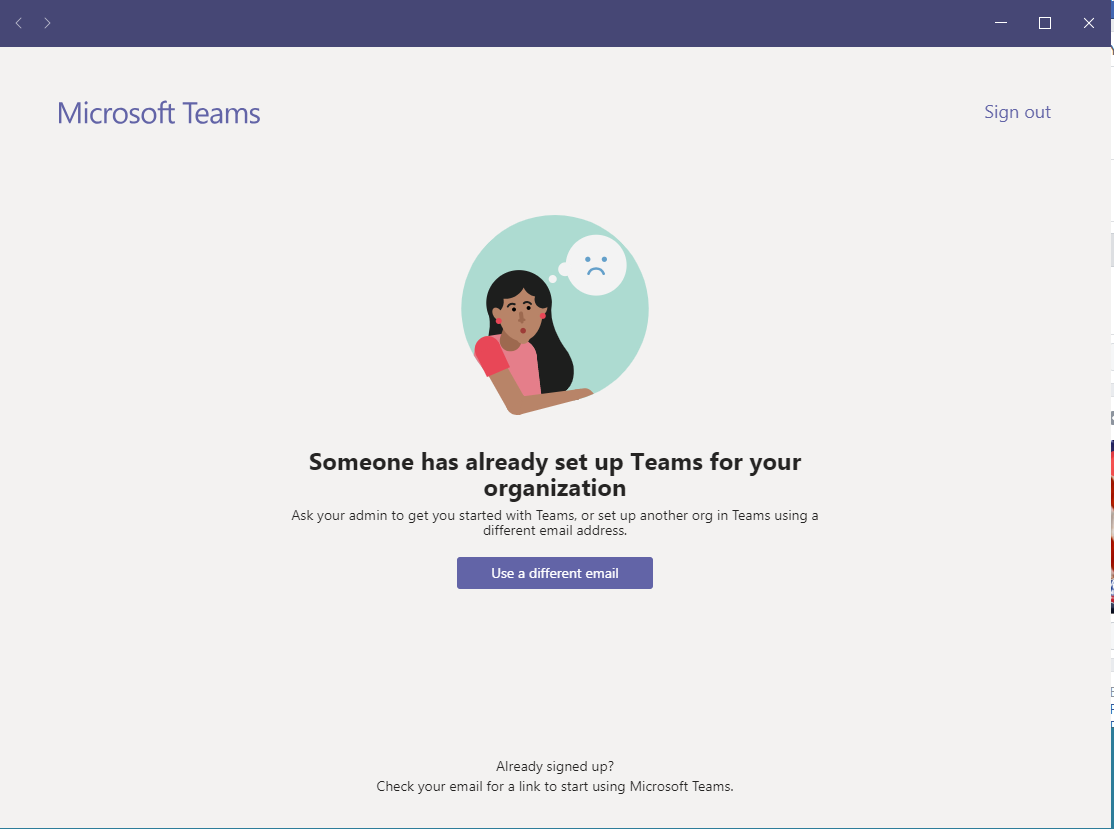

 Microsoft
dbrower256 - So we believe we've found the issue. If you can confirm the scenario above then that would be great. Here's an article which references the issue: https://support.microsoft.com/en-us/help/12407 ("I want to use a different email address or phone number to sign in"). The issue here is that your account is tied to both a work & personal account, so in order Teams sign-in flow to work, you'll need to 'de-link' these accounts with the steps in the article.
Thanks,
Sam
PM, Teams Engineering

I tried signing up for free and using that same email address. It says it looks like a school account. That's an error. It's not a school account.
- Sam CosbyApr 20, 2020
dbrower256 - This might be your best bet to try: https://docs.microsoft.com/en-us/microsoft-365/commerce/subscriptions/switch-to-a-different-plan?view=o365-worldwide.
Best,
Sam
PM, Teams Engineering
- dbrower256Apr 20, 2020Copper ContributorI don’t know why that’s so. I don’t remember setting that.
How do I change that? - Sam CosbyApr 20, 2020
Hi dbrower256, I noticed that the license affiliated to the work account is actually an education license, which is why it's throwing this statement.
Thanks,
Sam
PM, Teams Engineering
- dbrower256Apr 17, 2020Copper Contributor
You mentioned to select Work. When I go in through the private in-browsing as you instructed, it gives me an option to select work or education. When I select work, it says it looks like me email address is a school address. It's not a school address.
- dbrower256Apr 17, 2020Copper Contributor
I did that and it did not ask to select work or school. It gave an option to download app or use we app instead. I chose web app instead and it says again someone already set it up.
- Sam CosbyApr 16, 2020
dbrower256 - Can you try via an Inprivate/Incognito window from your browser to confirm the behavior? Steps should be from the Edge:
1. Go to the ... at the top right.2. Select 'New Inprivate Window'.
3. Go to https://teams.microsoft.com from here.
4. Type in your email in use.
5. If prompted for work or school, select work.
6. Confirm if the behavior resolves your issue.
Thx