Forum Discussion

Missing presence status in Outlook
 Oct 16, 2020
You have to register Teams as your default chat app for Office, this can be done in Teams:
- click on your profile picture
- select settings
- in the section General you have to check the checkbox for Register Teams as chat app for Office
- it is applied automatically (no Ok button), you just have to restart your office applications

ThomasSteibl , maybe check the not here: https://docs.microsoft.com/en-us/microsoftteams/presence-admins
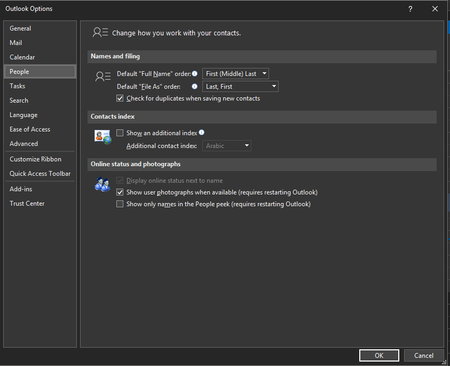
If you uninstall the Skype for Business client after you move a user to Teams Only mode, presence stops working in Outlook and other Office apps. Presence works fine in Teams. Workaround: To see presence in Outlook (and other Office apps), Skype for Business must be installed, even if you're running Teams in Teams Only mode. Microsoft is aware of this problem and is working on a fix.
