Forum Discussion

Migrating mass files to teams results in errors
- Sep 19, 2019
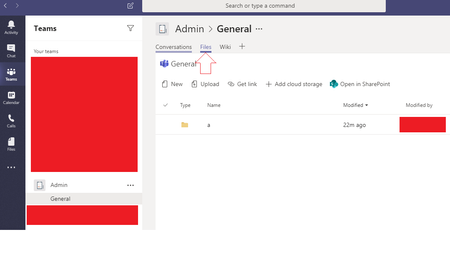
Hi JohnC1130, you can map your OneDrive within the SharePoint site of Teams and then you just copy the files in your PC and let OneDrive do the sync to the SharePoint site.
You can read more the process here https://support.office.com/en-us/article/sync-sharepoint-files-with-the-new-onedrive-sync-client-6de9ede8-5b6e-4503-80b2-6190f3354a88
Best Regards


JohnC1130 Is holding on to the original date and creator metadata fields important to you, for records or something?

shawn_fielding No not at all. So long as the items can be copied. I did however give the OneDrive feature a go and that worked very well. I'm still new to O365 (coming from a Linux world) but I think I'm getting the hand of things.
Just out of curiosity if metadata fields aren't needed for a migration what would you have recommended?
- shawn_fieldingSep 23, 2019Iron Contributor
JohnC1130 Did you mean ARE needed? My first suggestion would be to use an external tool to make a massive move. A smaller one probably could be done with the Microsoft move functionality. If it isn't then either the explorer view, Files on Demand, or the onedrive solution.