Forum Discussion

JuliusPIV
Sep 30, 2021Brass Contributor
VPP Apps on DEP iPadOS Devices Do Not Automatically Update Error code: 0x87D13B9F
We're in the process of migrating to Intune and we're starting with DEP devices. However we've noticed that as applications are updated in the App Store, the device itself is not updating the applic...
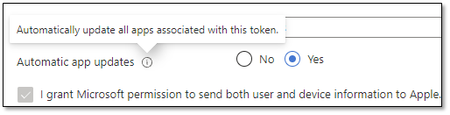

jfagan970
Jan 09, 2026Copper Contributor
Here are some tips for anyone still dealing with this issue, aside from those tips already covered in the replies below:
- For any apps not auto-updating over Cellular Data, go to Settings > Apps > App Store and set "Automatic Downloads" to ON and set "App Downloads" to "Always Allow". This has worked for me many times. (If you're below iOS 18, the path is just Settings > App Store)
- For apps that are greyed out no matter how much you reinstall them, check your Device Restrictions policies.
- Under "App Store, Doc Viewing, Gaming", ensure that there's no age restriction on the apps. Even business apps will get caught up in this, despite all logic.
Hope this helps!