Forum Discussion

Platform SSO for macOS not working
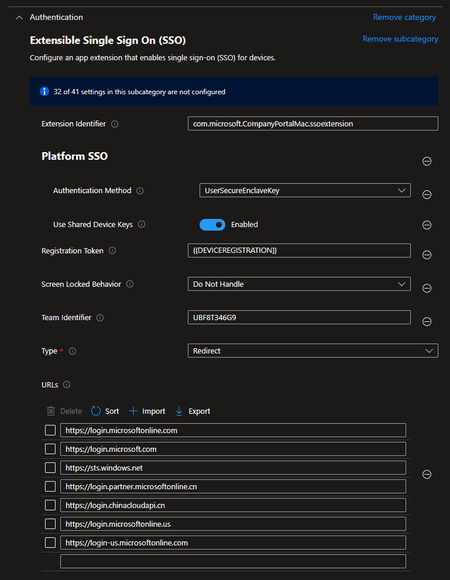


Hi DanEngelsmeier, you are asking all the right questions and I have the same issue here.
Currently there is no good way. You need to use a script to downgrade onboarding user to Standard, coz that's your staff user account. Then you need another script to create a local admin if required and remove it afterwards. It's not a good solution. Also, if you keep a separate local account on the device all the time, I don't think that's good idea either.
Also the script can only be applied once the device is registered in Intune. The quickest way is to apply to All Devices with a filter, do not use a Dynamic Group. But when exactly does the script will be applied and create that local account for you, nobody knows. There is no gradually control.
The best thing Intune could happen, is while waiting for the final confirmation, the script will be executed during the holding stage so once user is logged in, everything is ready.
But that is just a nice wish. It never worked for me, which means when the user is logged in, it is still an admin and he/she will have enough time to create another local admin before the script downgrade his/her account. This is a pretty big security gap!
On the topic of local admin, what do you guys think about this?
https://support.apple.com/en-au/guide/deployment/depca092ad96/web
It clearly said that Apple now supports a remotely managed admin accounts and Intune just needs to build it in.