Forum Discussion

MrMrkn
Feb 11, 2020Brass Contributor
newbie needs help with policies and enrolling users/devices
Hi, I am sort of new to Intune and Azure AD, and I am trying to understand the best I can how things work. My company is small and I only have so much time to put into it-administration, but I reall...

MrMrkn
Feb 11, 2020Brass Contributor
Hi,
Yes, I have. Installation status says 0 devices, 0 users.
Yes, I have. Installation status says 0 devices, 0 users.

Thijs Lecomte
Feb 11, 2020Bronze Contributor
Do you see any installations pending?
Can you please provide a screenshot
Can you please provide a screenshot
- MrMrknFeb 11, 2020Brass ContributorThanks,
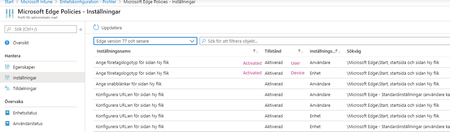
No installations pending, as far as I can see. Screenshot attached. (Device and user tabs look the same)- Thijs LecomteFeb 11, 2020Bronze ContributorTo what group have you assigned this install and how (required, available...)?
Is it a group of devices/users?
Please include a screenshot of the members of the group- MrMrknFeb 11, 2020Brass Contributor
Thanks for the effort you put into this 🙂
It is a user group created for testing, with only one member. Owner of the group (me) is not a member of the group.
I thought in the beginning, that adding an app and assigning it to a user group would automatically push it to the user's Azure AD joined devices. But that is maybe not the way it works?
The app settings are the same for Edge and the LOB client app (MSI) that I try to deploy.
