Forum Discussion

HenrikInAB
Jun 08, 2021Copper Contributor
Intune Windows Update/Feature Update Ring applied but clients not updating
We recently moved some of our co-managed workloads from SCCM to Intune, not pilot, and for the most part our devices are happy with our Intune Windows 10 Update Ring settings. We have a profile crea...

Oct 11, 2021
Hi,
isnt that because the SCCM client is still installed on the devices and a configured windows update group/point?
isnt that because the SCCM client is still installed on the devices and a configured windows update group/point?
 MSIreportOct 11, 2021Copper ContributorHi Rudy,
We do have SCCM client and Software Update client policy disabled for all our Windows update workload computers.
We still see the WUServer in our registry path and i do not know why.- NicklasAhlbergOct 11, 2021Brass ContributorIs the workload set to Intune or Intune pilot? If it is set to "intune pilot" any device(s) not part of the selected collection will not have the workload changed.
The SCCM client policy is supposed to change the regvalues as soon as the SCCM client policy has been set to not use SCCM as SUP. - Oct 11, 2021Just wondering, but what happens when removign the sccm client.. is the wuserver key also removed or?
- MSIreportOct 11, 2021Copper ContributorYes, i removed my SCCM client completely and rebooted the device.
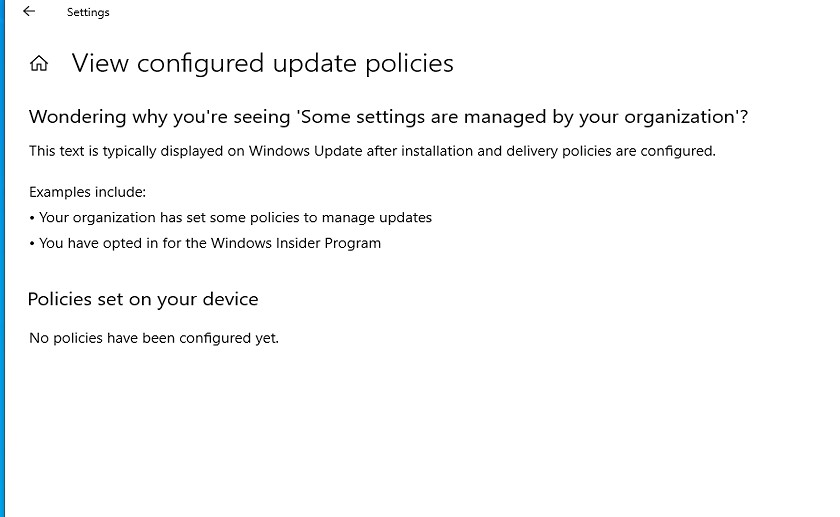
Still i could not see anything under "Policies set on your device" 😞
Thanks...
- NicklasAhlbergOct 11, 2021Brass ContributorYes, that is probably what is going on here. The co-mgmt capabilities should give us further insights on this issue. Usually this issue comes down to co-mgmt workloads.