Forum Discussion

Intune in Kombination mit EAS

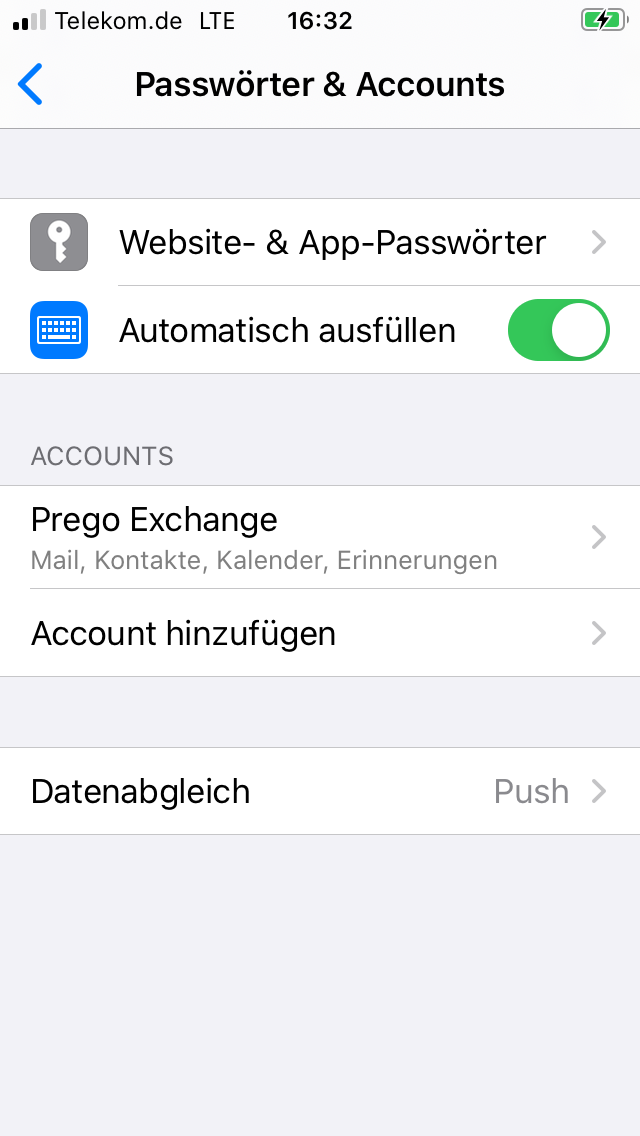

how are you pushing the EAS profile? I assume with an device configuration profile, is that correct? If so, the option "Account modification" set to block should be sufficient for your use-case.
After a user enrolls its device in Intune and opens the e.g. iOS Settings, a pop-up appears where the user is required to type in his/her exchange password.
However, this "Account modification" setting only applies to settings accessible from the iOS settings app, such as Mail, Contacts, Calendar, Twitter, and more. This does not include apps such as Microsoft Outlook. This means users will still be able to add accounts in the Outlook app.
I am not sure if you can restrict adding new accounts for apps not supported by "Account modification" by using and creating app configuration policies for each of your targeted apps.
Edit: for Android devices I found this "https://docs.microsoft.com/en-us/intune/configuration/device-restrictions-android-for-work#work-profile-only" option. This option is available for Android Enterprise device configuration profiles.
I hope my input helps you.
Best regards,
Labinot