Forum Discussion

How to use Intune manager uninstall Windows mail app
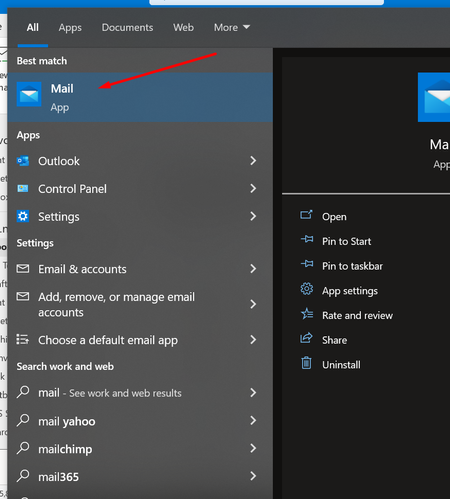

Applocker CSP here PRICESLY that (instead of uninstalling you DENY access)
https://techcommunity.microsoft.com/t5/intune-customer-success/support-tip-using-applocker-to-create-custom-intune-policies-for/ba-p/364981
that article was from 2019 so here is the updated OMA-URI node and XML parts to use instead of the ones mentioned in the article but beside that follow everything in that article. You DO NOT need to start the App Identity service as it will automatically start (even though by default it is stopped and set to manual)
OMA-URI (CASE SENSITIVE) ./Vendor/MSFT/AppLocker/ApplicationLaunchRestrictions/Grouping/StoreApps/Policy
XML part to use a string value
<RuleCollection Type="Appx" EnforcementMode="Enabled">
<FilePublisherRule Id="c3d7f207-377d-4512-bb18-d41c86063d54" Name="microsoft.windowscommunicationsapps, version 16005.14326.0.0 and above, from Microsoft Corporation" Description="" UserOrGroupSid="S-1-1-0" Action="Deny">
<Conditions>
<FilePublisherCondition PublisherName="CN=Microsoft Corporation, O=Microsoft Corporation, L=Redmond, S=Washington, C=US" ProductName="microsoft.windowscommunicationsapps" BinaryName="*">
<BinaryVersionRange LowSection="16005.14326.0.0" HighSection="*" />
</FilePublisherCondition>
</Conditions>
</FilePublisherRule>
</RuleCollection>

Hey aollivierre305 Thanks! I have just follow the instruction and created a configuration profile assign it to my self. I will update u again. 