Forum Discussion

ben_2
Jul 23, 2020Tin Contributor
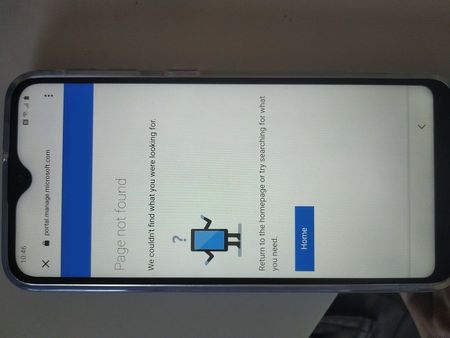
Enrolling Android device - Page not found after logon
Hi I am getting through the pages after scanning the QR code for a corporate owned fully managed device. get to the screen for the 365 login it then says 'setting up device wont take a minute' for m...
 Aug 07, 2020
I found the solution.
It was coming from my DEM account:
https://docs.microsoft.com/en-us/mem/intune/enrollment/device-enrollment-manager-enroll#remove-device-enrollment-manager-permissions
"Enrolling Android Enterprise fully managed devices with DEM accounts isn't supported."

Bornyx
Aug 07, 2020Copper Contributor
Hi,
It seems that that issue may be caused by the DEM account https://docs.microsoft.com/en-us/mem/intune/enrollment/device-enrollment-manager-enroll#remove-device-enrollment-manager-permissions.
"Corporate-owned, fully managed user devices" is not supported for users having the DEM account. You may try to disable it or to log in with a user without the DEM account.
 adriaperezvillasenorDec 28, 2023Copper Contributor