Forum Discussion

Data Protection policies for web apps
Hi Microsoft Intune Community,
What are the options to set up similar data protection policies for Web versions of the Office apps which you can find in Intune?
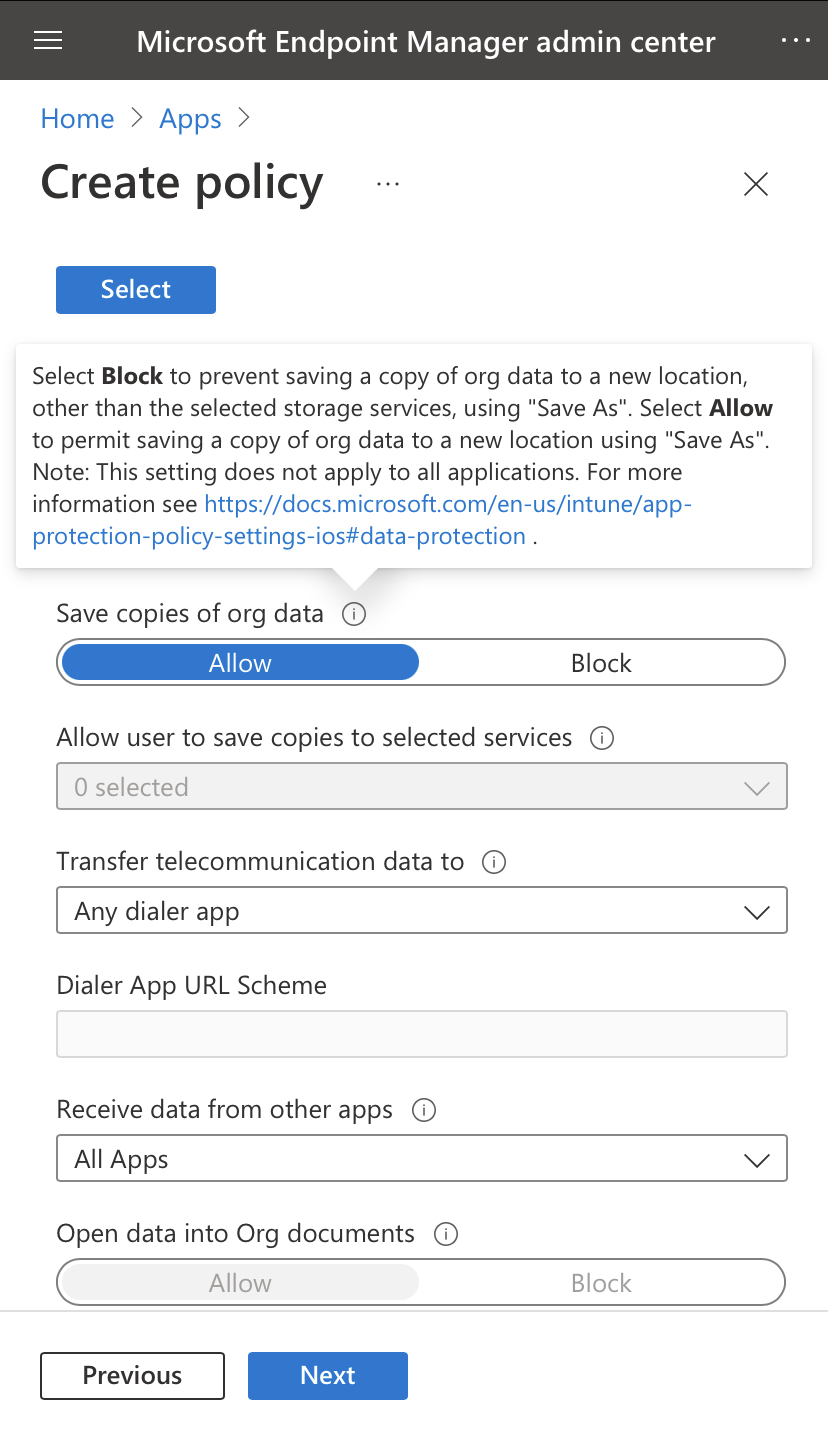
Lately i have set up data protection policies for IOS platform. But you can easily skip these by just going to the webversion of the app. For example outlook.office.com.
Im very curious how other have solved this challenge
7 Replies
- Moe_KinaniBronze Contributor
Hi MohFarah
Oktay Sari has mentioned great solutions for the issue, I would like to mention one more that I like to use for my clients when applying App Protection Policies which is approved Apps. This way, users cannot open the mail using web browser or any other unapproved apps like Mail ‘IOS native’, Gmail etc.
Moe
https://docs.microsoft.com/en-us/azure/active-directory/conditional-access/howto-policy-approved-app-or-app-protection
- MohFarahCopper Contributor
Hi Moe_Kinani
Thank you for your quick reaction.
So the solution you mentioned, is it possible to apply it to private mobile devices (unmanaged)?
The client i'm working for has coworkers which use there personally owned mobile devices(sometimes laptops), so you could speak about BYOD. But regarding sensitive information, they would want option like copy/paste etc turnt of on the mobile versions of the Office apps.
- Moe_KinaniBronze Contributor
Yes, App protection Policies apply on unmanaged devices. You should be able to achieve your goal (restrict copy and paste etc) by using App Protection Policies.
Moe
https://docs.microsoft.com/en-us/mem/intune/apps/app-protection-policy
https://docs.microsoft.com/en-us/mem/intune/apps/app-protection-policies
- Oktay SariIron Contributor
Hi MohFarah, what is it that you are looking for exactly? Do you want to limit access to Office 365 Online? Like copy/paste/download on unmanaged devices? If so, you can do a couple of things:
- Restrict access from unmanaged devices to SharePoint Online and Exchange Online
- https://docs.microsoft.com/en-US/sharepoint/control-access-from-unmanaged-devices?WT.mc_id=365AdminCSH_spo
- https://docs.microsoft.com/en-us/powershell/module/exchange/set-owamailboxpolicy?view=exchange-ps (ReadOnly)
- Create a conditional access policy with https://docs.microsoft.com/en-us/azure/active-directory/conditional-access/concept-conditional-access-session#application-enforced-restrictions
- https://docs.microsoft.com/en-us/defender-cloud-apps/proxy-intro-aad
Please note: When you set policies from the SPO admin portal. It will create 2 conditional access policies targeting all users. Keep that in mind ;).
Hope this helps.
- MohFarahCopper Contributor
Hi Oktay Sari,
What I'm looking is very simple:
Restrict limit acces to O365. So indeed like you mentioned, block copy/paste/download on unmanaged devices. I see that your provided me with some links, so I will go and have a look.
A brief summary of the situation at the client:
Currently moving from a on premise environment to a full Cloud only environment. So migrating a lot of data to SharePoint/Teams/OneDrive.
Some of the data being moved is very sensitive for the company and they wanna make sure that security is top notch, especially on unmanaged devices.
- Restrict access from unmanaged devices to SharePoint Online and Exchange Online