Forum Discussion

Block all 365 apps except Outlook via CA
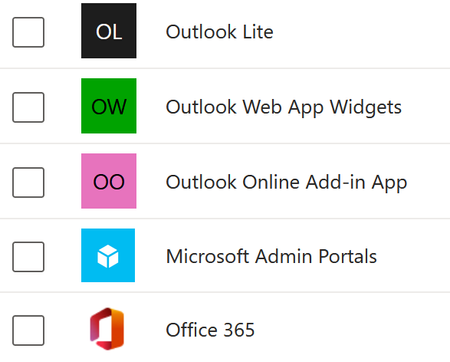

Hi underQualifried, to block all 365 apps except Outlook on BYOD devices, you’ll likely need a combination of Conditional Access (CA) policies and App Protection Policies (APP). In the new resource-based CA setup, create a policy targeting all cloud apps and then exclude Exchange Online. Then, enforce APP on mobile devices to restrict access to only Outlook. Make sure the policy applies to the correct device platforms and user groups. This approach effectively blocks other 365 apps while allowing email on unmanaged devices.
 underQualifriedDec 01, 2025Iron Contributor
Hello Jonathan, thanks for the info. Unfortunately, I don't really see a way I can use APP to restrict access to only Outlook - only use it to enforce certain restrictions onto Outlook.
However, I've found a GUID for the Exchange Online service principal that SEEMS to work. have yet to test, but... fingers crossed.