Forum Discussion

Block all 365 apps except Outlook via CA
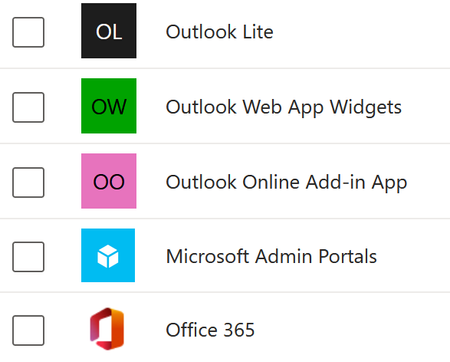

The new resource-based condition is still maturing and doesn’t yet offer a simple way to include everything except Exchange. The easiest approach is to stick with the existing **Cloud apps** condition for this scenario. You can create a conditional access policy that targets your BYOD user/device group, include **All cloud apps**, then under *Exclude* add **Office 365 Exchange Online**. Set the policy to *Block* and it will block access to all Microsoft 365 services except Exchange/Outlook.
If you want to scope this to unmanaged devices only, use the **Device state** or **Filter for devices** condition to include only devices that are not compliant or hybrid joined. App Protection Policies will help protect data but won’t stop sign-in to other apps. Until the resource model supports more granular filters, the legacy cloud app exclusions are still the recommended way to allow Outlook while blocking the rest.
 underQualifriedDec 01, 2025Iron Contributor
'The new resource-based condition is still maturing and doesn’t yet offer a simple way to include everything except Exchange. The easiest approach is to stick with the existing **Cloud apps** condition for this scenario'
is there a way to switch from the resource-based condition to the old cloud-apps condition? It seems like we've been forced into resource-based rules.