Forum Discussion

Marvin Oco
Oct 09, 2018Steel Contributor
where to modify the mail do not forward rights management policy in Office 365
where to modify the mail do not forward rights management policy in Office 365? thanks

VasilMichev
Oct 10, 2018MVP
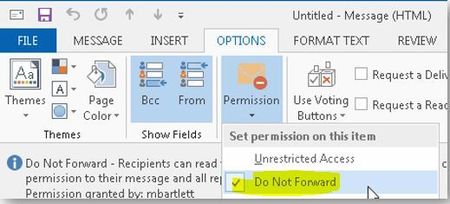
DNF is a "special" template, you cannot modify it. You can however hide it from Outlook if you want, as detailed here: https://docs.microsoft.com/en-us/azure/information-protection/rms-client/client-admin-guide-customizations#hide-or-show-the-do-not-forward-button-in-outlook
The above is for the "button", if you want to remove all the menu entries as well, use the reg keys detailed in this thread: https://techcommunity.microsoft.com/t5/Azure-Information-Protection/Disable-quot-Do-Not-Forward-quot-RMS-Template-for-Outlook-OWA/td-p/123778
- Oct 10, 2018
True! I missunderstood it for the general configuration :)
