Forum Discussion

ShredderService?
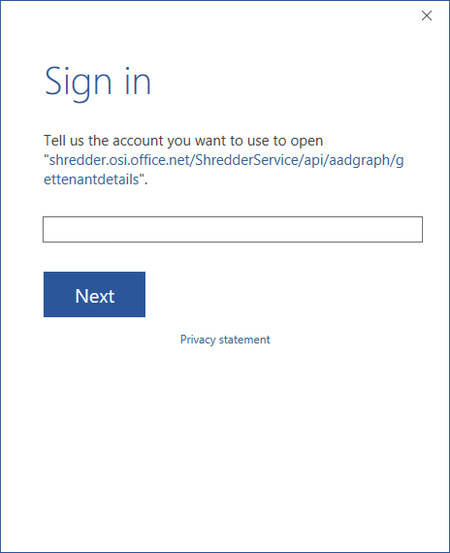

Steps I performed to resolve this issue:
- Removed Office 2016 credentials from the Windows Credential Manager
- Rebooted device
- Uninstalled Office 2016 from the device
- Rebooted device
- Ran the Uninstall Fix It tool to completely remove any remnants of Office 2016
- Rebooted device
- Installed Office 2016 from the Office 365 portal
- Added the user's identity to the appropriate applications
No more pop-ups for that service.
- Alexander Forst-RakoczyOct 03, 2016Brass Contributor
Alex Melching wrote:Steps I performed to resolve this issue:
- Removed Office 2016 credentials from the Windows Credential Manager
- Rebooted device
- Uninstalled Office 2016 from the device
- Rebooted device
- Ran the Uninstall Fix It tool to completely remove any remnants of Office 2016
- Rebooted device
- Installed Office 2016 from the Office 365 portal
- Added the user's identity to the appropriate applications
No more pop-ups for that service.
One would assume that a "repair installation" should be able to fix this issue...
Just imagine doing this for 10 users who also have synced a numbe of SharePoint document libraries. When you uninstall Office 365 those libraries are not synced anymore. You have to sync everything again after you've re-installed Office.
It is a pity that we can only rely on "uninstall, reboot, re-install everything" as the only way to fix problems.
- Alex MelchingOct 05, 2016Iron Contributor
I totally agree with you Alex. I previously tried the Online Repair with no success. I was hoping someone from MSFT would chime in and tell us what that was. Since the original post, I have encountered this a couple more times with different customers and performing the same steps. I try the usual repair options first, but comes down to the steps I listed.
Fortunately, the customers in question were not using any syncs. And I completely understand frustrations with that product...
