Forum Discussion

alexmnetto365
Mar 10, 2022Copper Contributor
Office 365 Build number
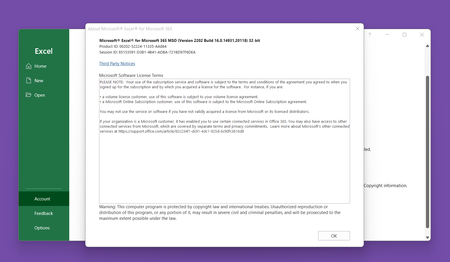
Recently, I updated my Office 365 apps and checked the build number. It shows as follows in Excel: Microsoft® Excel® for Microsoft 365 MSO (Version 2202 Build 16.0.14931.20118) 32-bit ...
- Mar 10, 2022No worries. I bet you're on Current or Semi-Annual Preview channel and would probably get a new build number if you would update manually again. You probably updated before some changes was made to the .20118 leading to .20120 or .20132 depending on channel.

Mar 10, 2022
No worries. I bet you're on Current or Semi-Annual Preview channel and would probably get a new build number if you would update manually again. You probably updated before some changes was made to the .20118 leading to .20120 or .20132 depending on channel.

alexmnetto365
Mar 11, 2022Copper Contributor
Thank you!!