Forum Discussion

Microsoft Bookings: Already booked slots remain visible and selectable for some time
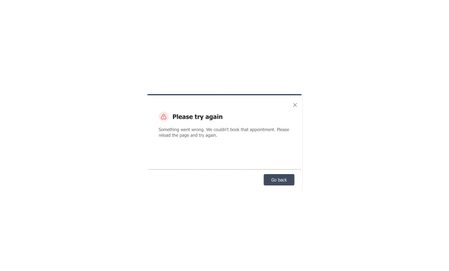

The first appointment succeeds, another visitor temporarily sees the same slot, and the second submission is rejected. That suggests the service enforces the calendar conflict at submission while the public page displays stale availability. Bookings has no setting that forces an immediate client-side availability refresh.
Confirm the service is “Bookable when staff are free,” the correct staff are assigned, and their calendars affect availability. Check the business time zone, duration, buffer, minimum lead time, and time increments. Reproduce with two private-browser sessions: complete the first booking, note the UTC time, refresh the second page, and measure how long the slot remains selectable.
If the delay is consistently several minutes, collect the booking-page ID, service and staff names, timestamps, and screenshot, then open a Microsoft 365 support case. As a temporary safeguard, ask users to refresh before submitting and offer another slot after the conflict message.