Forum Discussion

Unprotecting a workbook

Thank you for this, Detlef.
The behavior of this workbook is weirdly inconsistent. Basically, the indications in File -> Protect Workbook simply do not match the indications in the Ribbon.
When, for testing purposes, I add the structure protection via the Ribbon, then replicating what you described above will indeed appear to remove the protection, in the sense that the highlighting will disappear from the Ribbon icon. But I still cannot freeze panes, and the protection is still apparent in File -> Protect Workbook.
So I think this is a file issue, not an application issue. Saving new copies and/or exporting to a different format has not yet helped. If I find a solution I shall post it here of course.
Thank you both for your time this evening / (very) early morning.
With thanks and best wishes
Cheers MD.
Folks
It's fixed, but I hesitate to call it a solution - more like black magic!
I simply:
1. opened the .xlsx file in LibreOffice on the Linux laptop from the local machine dropbox folder
2. froze the panes as required
3. saved and closed the file in the local dropbox folder again
4. waited for the dropbox folder on the W7 machine to synchronize
5. opened the file in Excel 2016 on the PC
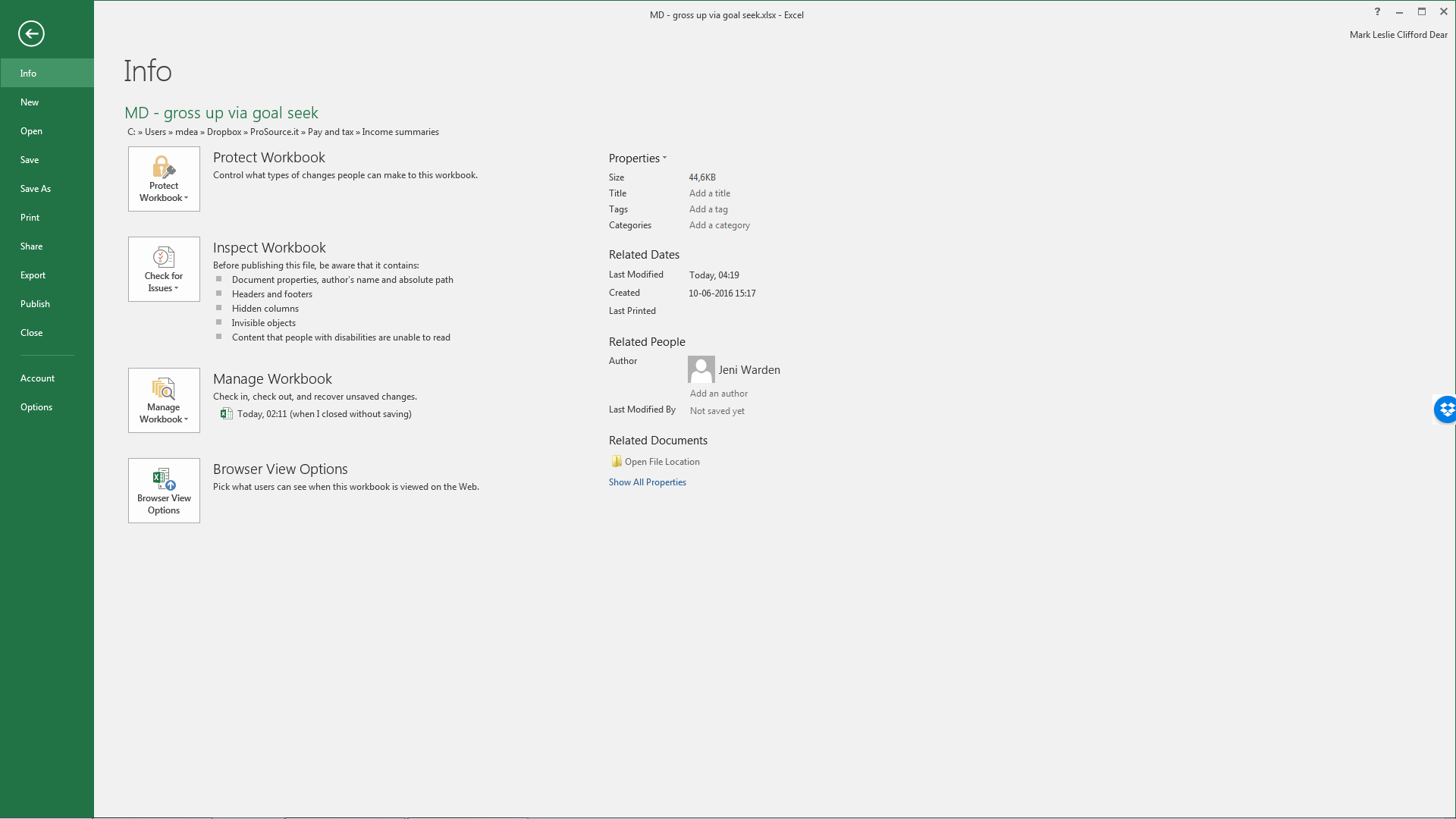
6. confirmed via File menu that all was good -
which it is. All menus, icons and buttons now behave as they should. See attached. I have no idea what was going on there, but it seems to have stopped now.
Thank you again for your kind attention.
Cheers MD.