Forum Discussion

Trying to create a scheduling graph
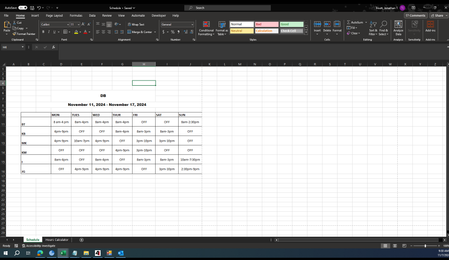

so here is my suggested formula:
=LET(today,FILTER(Schedule,Schedule[#Headers]=$H$3),
start,IFERROR(TIMEVALUE(TEXTBEFORE(today,"-")),""),
end,IFERROR(TIMEVALUE(TEXTAFTER(today,"-")),""),
(start<=H4#)*(end>=H4#))
on the schedule tab I defined that table as "Schedule"
I also added cell H3 as how to define which day of the week to look at
H4# is the set of times which I used a formula to create those hour VALUES and then formatted as time
then I used conditional formatting using value bars to show which hours are used. You could alternatively do this all in a conditional formatting formula or format the text as white and then the conditional formatting is simply if value is 1 then fill blue and make text blue.
the part I didn't solve is for the 1/2 hour shifts. you could expand the table/graph to have 2-4 times more columns to account for those partial hours, that should work but I was hoping for some clever use of the bar graph to do the 1/2 or 1/4 or 3/4 values to give the partial bars which I could get to work on the end shift side but can't get the partial bar to look right on the start shift side so instead of a 1/2 solution I dropped it.