Forum Discussion

VHPITTMAN
Nov 24, 2021Copper Contributor
Trouble with sumif functions
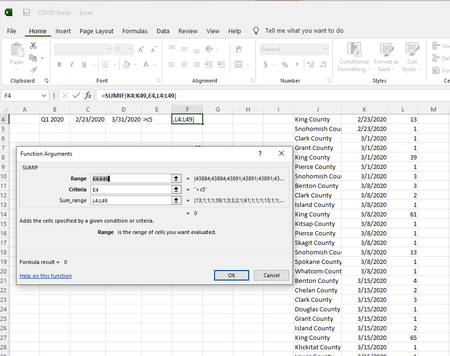
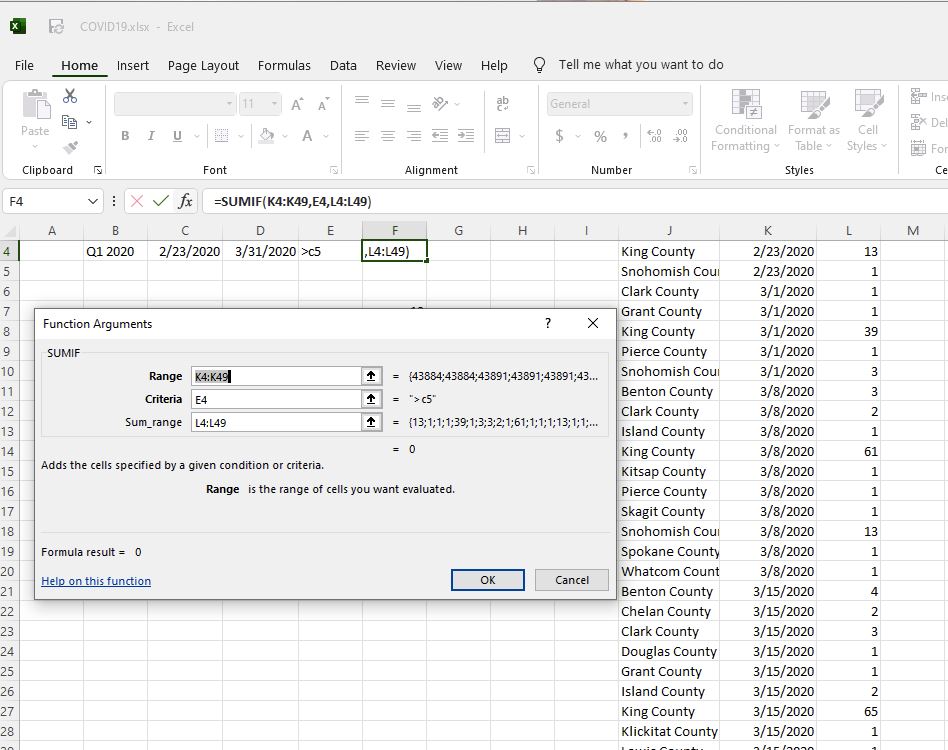
why doesn't this sumif work where E4=43884 using excel 2016? If I delete the greaterthan (>C5) condition, the sum is 14.
 Nov 24, 2021
=SUMIF(K4:K49,">"&E6,L4:L49)
Is this (or one of the other 2 formulas) what you are looking for?
OliverScheurich
Nov 24, 2021Gold Contributor
=SUMIF(K4:K49,">"&E6,L4:L49)
Is this (or one of the other 2 formulas) what you are looking for?
 VHPITTMANNov 24, 2021Copper ContributorI have opened your spreadsheet and now understand your response. To take it one step further, is it possible to bracket the criteria? i.e.: >C4 and <D4?
I tried =sumif(K4:K49,">"&C4&"<"&D4,L4:L49) but the result is zero (0)- VHPITTMANNov 24, 2021Copper ContributorI tried your syntax with a sumifs and it allows me to bracket the criteria.
i.e.: =SUMIFS(L4:L49,K4:K49,">"&C4-1,K4:K49,"<"&D4+1)