Forum Discussion

Template Employee absence schedule

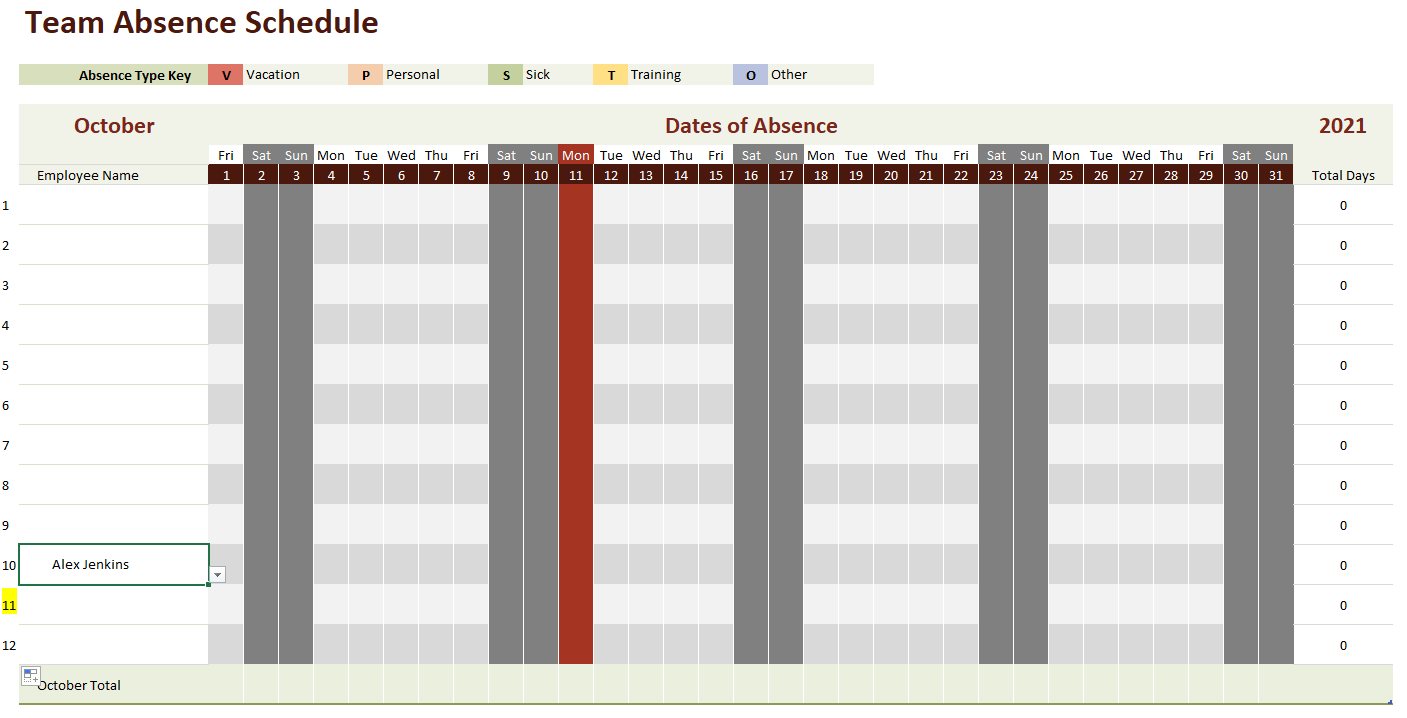
They have used data validation in creating the items you can select in the months tabs. In order to select any new employee added on the names tab, you have to update the source on the data validation to pick all the new cells added. See below:
To do this, go to Data, select data validation under Data tools group
I have attached an updated workbook for you.
Do let me know if this works,
Cheers
 StephanieRPJul 08, 2023Copper Contributor
wumoladthank-you for this, it was very helpful! I was able to get the fields to select more employees that I added, but I have to add them to the top of the employee list for some reason by adding in a line. If I add them after the 5 lines provided in the template they don't show up even if I do the data validation you suggested. Any idea why? (I am very new to excel by the way).
 pamelasue05May 17, 2022Copper Contributor
wumolad Can you please send me an updated on with about 80 employees? May not need all 80 but staff changes all the time and I manage the COVID Testing sites in CA so want to be able to track everything easier than pen and paper.
 lorikongSep 28, 2021Copper Contributor
This was very helpful wumolad & LIeselotte_R131
How does one enable the drop down selection in B17 if you have more than 10 Employees?
When tabbing through to the end of template it creates a new row but doesn't seem to enable the drop down employee list. Therefore, not related to Data Validation function.