Forum Discussion

Sorting backup: Making a new column from a separate sheet sorted based on original sheet

I'd structure the Categories sheet differently:
You can then use a simple XLOOKUP, VLOOKUP or INDEX/MATCH formula to look up the category an item belongs to,

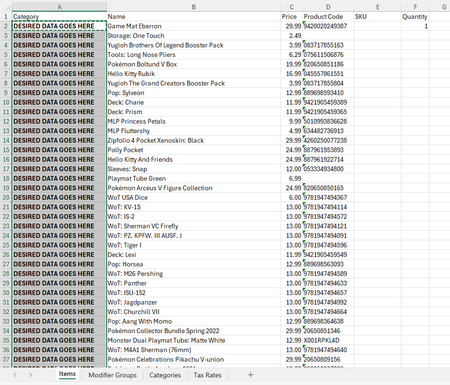
the problem I am facing though is the spreadsheet you are seeing is how it is automatically exported from Clover. the hope is to be able to auto-populate column A on "items" tab without having to rebuild the "categories" tab every time I export the inventory document.
However, I have been looking at the lookup functions recently, I can take a look at the index/match functions. If there is a way to auto-format the "categories" tab to look like what you got there then yes I agree it will make this SO much easier!
- HansVogelaarMay 12, 2025MVP
Try this:
=IFERROR(LET(Col, SUM((Categories!$B$2:$Z$99=B2)*COLUMN($B$1:$Z$1)), IF(Col=0, "", INDEX(Categories!$A$1:$Z$1, Col))), "")