Forum Discussion

MrVmaths
Sep 05, 2021Copper Contributor
Some help with conditional formatting
Hey folks. Here's the scenario I have. I have two sheets open; in sheet2 I would like cell A1 to change colour if any cell in a range in sheet1 contains a certain value, eg. cat. I had done this in G...

Juliano-Petrukio
Sep 05, 2021Bronze Contributor
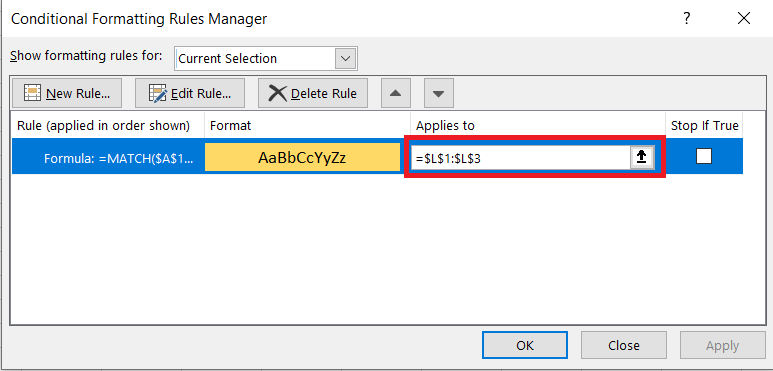
If the value you are looking for is on A1 youc an use this formula on conditional formatting
=MATCH(A1,sheet2!A1:A20,0)

MrVmaths
Sep 05, 2021Copper Contributor
Juliano-Petrukio Thanks for your response. Unfortunately, the cell I want to be formatted doesn't contain the same thing that I want it to search for.
- Juliano-PetrukioSep 05, 2021Bronze Contributor
It doesn't matter.
You just need to update the range or cell where you want the formatting to be applied.
- MrVmathsSep 07, 2021Copper ContributorThanks again. In your example, it assumes that the word Cat appears in cell A1 of Sheet2, so the formula is looking to see if a cell in the range contains the same value as A1.
In my case the word Cat will only appear in the range in Sheet1.