Forum Discussion

SOLVED - Editing cell causes my computer to glitch then crash
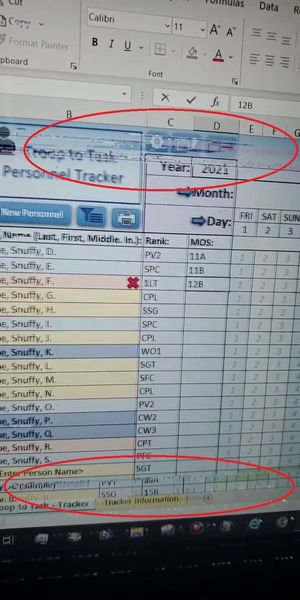
- Jun 26, 2022
Update
I don't understand the root cause and it isn't very pleasant, but I think it's something to do with how Excel interacts with my computer internally. Regardless, here's some things that may work for anyone who may have this issue and what kinda works for me.
1. WIN+Ctrl+Shift+B (refresh graphics card).
2. For a laptop, shut the lid and wait a moment then open it again (this will stop the issue for me most of the time unless it's completely frozen but for some reason, my internet is completely inoperable afterward unless I restart my PC). For a desktop, try unplugging your monitor then plug back in.
3. Reinstall (repair) office through Programs on Control Panel (won't affect your files).
4. Force shut down your PC then turn it back on.
Aside from unhelpful research, those were some things I did to take action on the issue. Please reply with any other or better solutions to my problem, even if it's hardware related.


Good info. it really only happens on Workbooks that have VBA doing stuff (like checking cells, change event, etc.) and is more likely when I have more data (like me adding in all those sample people in the picture then trying to go into a name cell in column B).
Are you saying that a VBA routine is running at the time, concurrently with your trying to edit a cell? (I don't use VBA, beyond a very simple (VERY simple routine that I recorded to convert everything on a page from formulas to fixed numbers). I am sure, however, that having a VBA script that is working, even "in the background," could be involved if you inadvertently interrupt it. Does the VBA in your case automatically kick in after you've "added all those sample people"?