Forum Discussion

datntdev
Apr 21, 2025Copper Contributor
Performance issues with multiple slicers in "Analyze in Excel" (Power BI Live Connection)
Hi Excel Community, We are experiencing performance challenges when using "Analyze in Excel" connected live to a Power BI Semantic Model, particularly when we have a large number of slicers applied ...
- Apr 23, 2025
Please consider the following for your optimization:
- MDX Query Overhead:
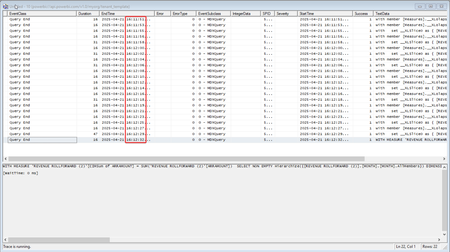
- Each slicer interaction triggers additional MDX queries to fetch data and update the slicer state.
- The "Visually indicate items with no data" option requires Excel to evaluate all slicer items against the dataset, which adds significant processing time.
- Sequential Execution:
- Queries are processed sequentially to ensure data consistency, but this can lead to delays when multiple slicers are applied.

Kidd_Ip
Apr 23, 2025MVP
Please consider the following for your optimization:
- MDX Query Overhead:
- Each slicer interaction triggers additional MDX queries to fetch data and update the slicer state.
- The "Visually indicate items with no data" option requires Excel to evaluate all slicer items against the dataset, which adds significant processing time.
- Sequential Execution:
- Queries are processed sequentially to ensure data consistency, but this can lead to delays when multiple slicers are applied.