Forum Discussion

faye_m_cook
Oct 15, 2024Copper Contributor
Need to display a value only based on a date.
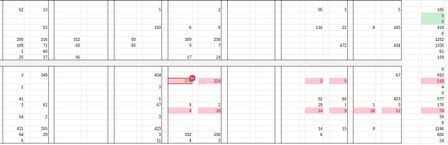
I have a dashboard showing a sum of specific values. I want to display the ending value each day so that I can see day by day if it has changed. So today, we have 268 total orders in rev...

mathetes
Oct 15, 2024Gold Contributor
Is this possible?
I'm sure it's possible--although that is a leap of faith because I'm not exactly clear on what "it" is.
Your description, absent a visible or actual example of the workbook in question, is a bit too abstract to know precisely what you mean. I suspect that may be why, after 40+ views you've gotten no response.
So I invite you to post a copy of the actual workbook, or--if the actual contains confidential data--a reasonable enough mockup devoid of the names of products/customers, etc. Post it on this forum using drop and drag below the message window, or if that doesn't work, use OneDrive or GoogleDrive and paste a link here that grants access.

faye_m_cook
Oct 15, 2024Copper Contributor
I updated the post. Thank you for that.
- mathetesOct 15, 2024Gold ContributorWell, you posted an image. What I requested was a copy of the actual workbook (or a mockup). The image, despite being allegedly a 1,000 words, isn't something anybody can actually work with....
- faye_m_cookOct 15, 2024Copper ContributorMy apologies. I'll try to upload a working sheet. But my question is pretty basic. The far right column is the sum of the corresponding row. I want to track those numbers each day with a value only, those numbers change through the day depending on what is changed on various workbooks. I know at the end of the day I can do a simple copy and paste value to make it not update when the numbers do. Is there a way to automate that? Some formula that tells it at midnight to calculate the formula and paste it into another designated column as a value only?