Forum Discussion

Multiple =IF Function


Welcome, to one retiree from another.
First, I admire your enthusiasm and your desire to learn. It's hard, though, I must tell you, even though you've done a yeoman's job of describing the situation and provided a helpful image....a copy of your actual spreadsheet would give us here (including those youngsters who've not yet retired, but may have a better handle on Excel than either you or I)...a bit more to work with than the image file alone.
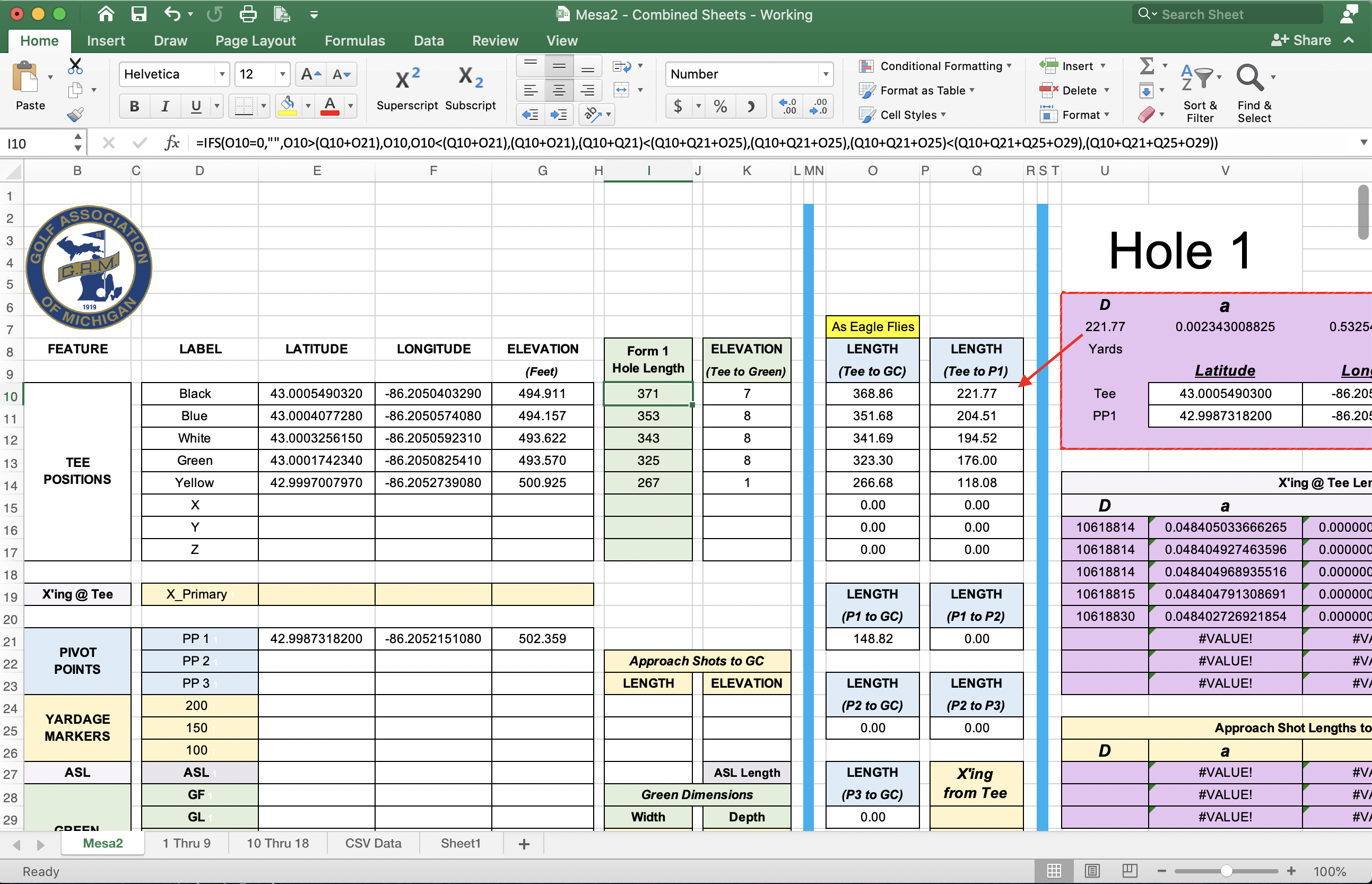
I did notice the elaborate IF function you'd written in that image....have you tried IFS? It is a bit easier to work with multiple conditions in IFS, provided you have them in the right sequence (and I think the sequence you've got in your verbal description should work). Here's a link to a website that you might appreciate in general (great tutorials on all the different functions), but here I've taken you directly to the description of IFS and how to use it. https://exceljet.net/excel-functions/excel-ifs-function
 ProTeeNov 05, 2020Copper Contributor
Just got home after a long day. So much for being retired. Mathetes, you are my hero!!!
I had the logic correct, just didn't know enough to use the IFS formula. It works like a charm.
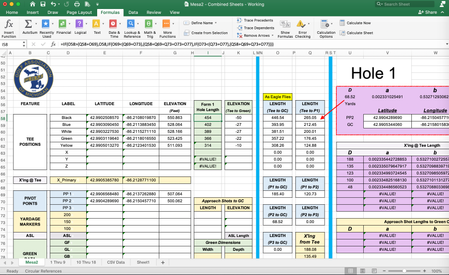
I've attached a screen shot to depict your solution, IFS.
I am also looking forward to try the MAX solution as proposed by another poster.
Once again, thanks!