Forum Discussion

Merge multiple excel files into different tabs of one workbook using Power Query on Mac
- Apr 15, 2024
Here is the variant, but made on Windows


With the help of TTodorov , I finally figured out the correct buttons to press in power query UI and find a painless way to get this done. (Many thanks again for offering a long-term solution for this nuisance!)
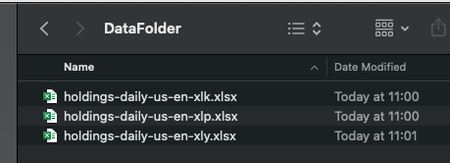
Mainly, first follow below to hack the source folder on mac
https://www.youtube.com/watch?v=chBlyDrejHo&t=318s
Then follow below to select the columns I need based on an external config:
https://www.youtube.com/watch?v=-owZ7G880Jc
Come up with something like the attached.
Still struggling to figure out how to write ForEach loop. (and I suspect my Mac is partially to blame here). so I will just live with pressing buttons for now.
After examining each line of code you sent me more carefully, I finally figured out why it doesn't work on my Mac.
The reason is quite stupid, and it is exactly what you suspected initially: that is, the external table "ColumnsToLoad" doesn't work in a for loop on Mac. (or maybe, on a Mac, loading an external table and using it as a global variable is just different from Windows, I have no ideas...).
I had to hard code a table in Advanced Editor to get your code to work:
ConfigTable = #table(type table [ColumnsToLoad = text, DataType = text], {{"ETF Ticker", "text"}, {"Name", "text"},{"Ticker", "text"}, {"Identifier", "text"}, {"SEDOL", "text"}, {"Weight", "number"}, {"Sector", "text"}, {"Shares Held", "number"}, {"Local Currency", "text"}}),
I attached the spreadsheet to demonstrate the problem.
In the Query "Transform Sample File", Table.NestedJoin works just fine:
But if I copy over the code to the custom function "TransfromFile", and then invoke that "TransformFile" in my main query, I get below error:
I had to write the custom function "TransfromFile" like below. that is, I just cannot use the table "ColumnsToLoad" that sits in Excel Sheet1.
Hopefully there is a way around this. because hard-coding excel table in M code is just pathetic!