Forum Discussion

lookup date range and return certain data

https://1drv.ms/x/s!AplFXDq_RywSiTM1ohcYPgnZ7oKr?e=sd5XSu

I was just hoping there would be a way for Excel to auto populate the deposit slip by referencing the date at the top of the screen for each month's deposit. Let me know what you think.
And there is a way. HOWEVER, I have written the attached with the assumption that you can get your company to update your software at least to Excel 2021. Even better would be a Microsoft 365 subscription. These formulas won't work with your older version of Excel. If you're not able to update/upgrade, we'll have to see what we can do, but I strongly recommend the update.
What you now have, after you enter each pay cycles information on each employee who got paid that time, is a single Monthly_Deposit sheet. You enter the month's number in cell A4 (the year in E4 stays constant for the year, but can be changed for any subsequent year). And the Deposit sheet pulls the relevant data for each employee for that month.
There's basically one formula that does that, changing only based on the column headings for Gross Wages, and the Percentages.
=IFERROR(SUM(FILTER(Table1[Gross],(Table1[Employee]=Monthly_Deposit!B11)*(MONTH(Table1[Dates])=Monthly_Deposit!$A$4)*(YEAR(Table1[Dates]=Monthly_Deposit!$E$4)))),0)
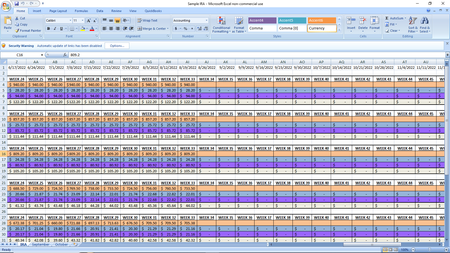
TO do this, I reorganized the raw data like this, into a table. Right now, because I just copied your data and transposed it to this vertical array, it has all of Employee A's data, followed by B's, and so forth. It could in the real world be totally by dates, one week at a time, with the employee's in "random" order, missing a row altogether (as Employee D did for a month).....that's not a problem when the data are arrayed as a table of transactions.