Forum Discussion

Lambda Example: Generate Fibonacci series
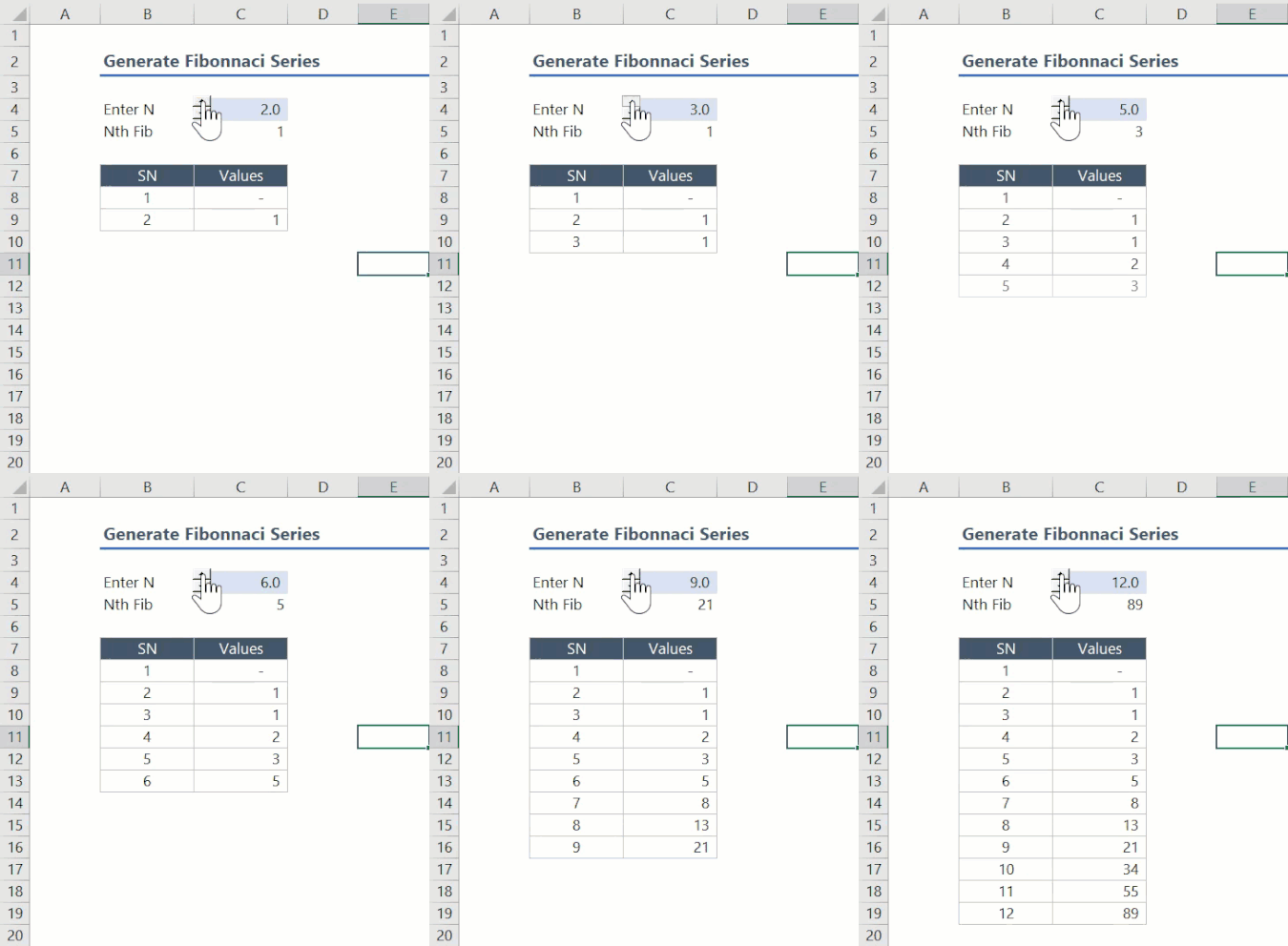

lori_mI tested it with Excel for Web (free version), I haven't tried with my work computer that comes with Excel Desktop (I cannot use AFE Add-ins, that is why I prefer to test on the free version online).
CORRECTION: The limit is reached with the function I used to calculate the performance (https://github.com/microsoft/advanced-formula-environment/blob/main/examples/Lib.md from Andrew D Gordon from AFE Add-ins). Now I tested it without using this function, and results now look better:
- FIB (lor_m using convolution) for 10K Fibo number: 1,150 ms
- FIBO_STR (using BigAdd) for 10K Fibo number.: 12,510 ms
so FIB solution is about 10x faster!!!, not just that, the duration is not linear, so it is very efficient, for example for FIBO 100K it takes around 2,000 ms. Obviously the number cannot be represented in Excel entirely, but it returns a result. Python is not even able to compute this number.
Great solution lori_m finally we have an Excel efficient solution for large Fibonacci numbers!
Given the limitations we have with Excel precision for large Fibonacci numbers it is worth to consider this approach that uses Excel Javascript API, with the help of Microsoft Garage Project: https://github.com/OfficeDev/script-lab
Here a https://www.nayuki.io/page/fast-fibonacci-algorithms (something we discussed in this post also trying to implement it in Excel):
/**
 * @customfunction
 *  {number} n The nth Fibonacci number to be calculated
 * @returns {string} The Fibonacci number
 */
function fib(n) {
  function rec(n) {
    if (n == 0)
      return [0n, 1n];
    else {
      const [a, b] = rec(Math.floor(n / 2));
      const c = a * (b * 2n - a);
      const d = a * a + b * b;
      if (n % 2 == 0)
        return [c, d];
      else
        return [d, c + d];
    }
  }
  if (n < 0)
    throw RangeError("Negative arguments not implemented");
  return rec(n)[0].toString();
}
Please keep in mind that @tags in the comment section are required to register properly the custom function. The calculation is carried out with BigInt precision (n suffix in the numbers used) otherwise we would have the same limitation Excel has loosing precision. Working with BigInt numbers, there is no precision limitation. Finally, we convert the result into a string so the output will be as text data type.
If the function was defined, for example in the LIB Snippet, then you can invoke it as follows:
=SCRIPTLAB.LIB.FIB(10000)
It returns the correct result in less than 2 secs! I tested also for 100K Fibonacci number with similar execution time, so it a scalable solution.
Here is the output for Fibonacci number 100: