Forum Discussion

Jason_Payne
Jul 09, 2021Copper Contributor
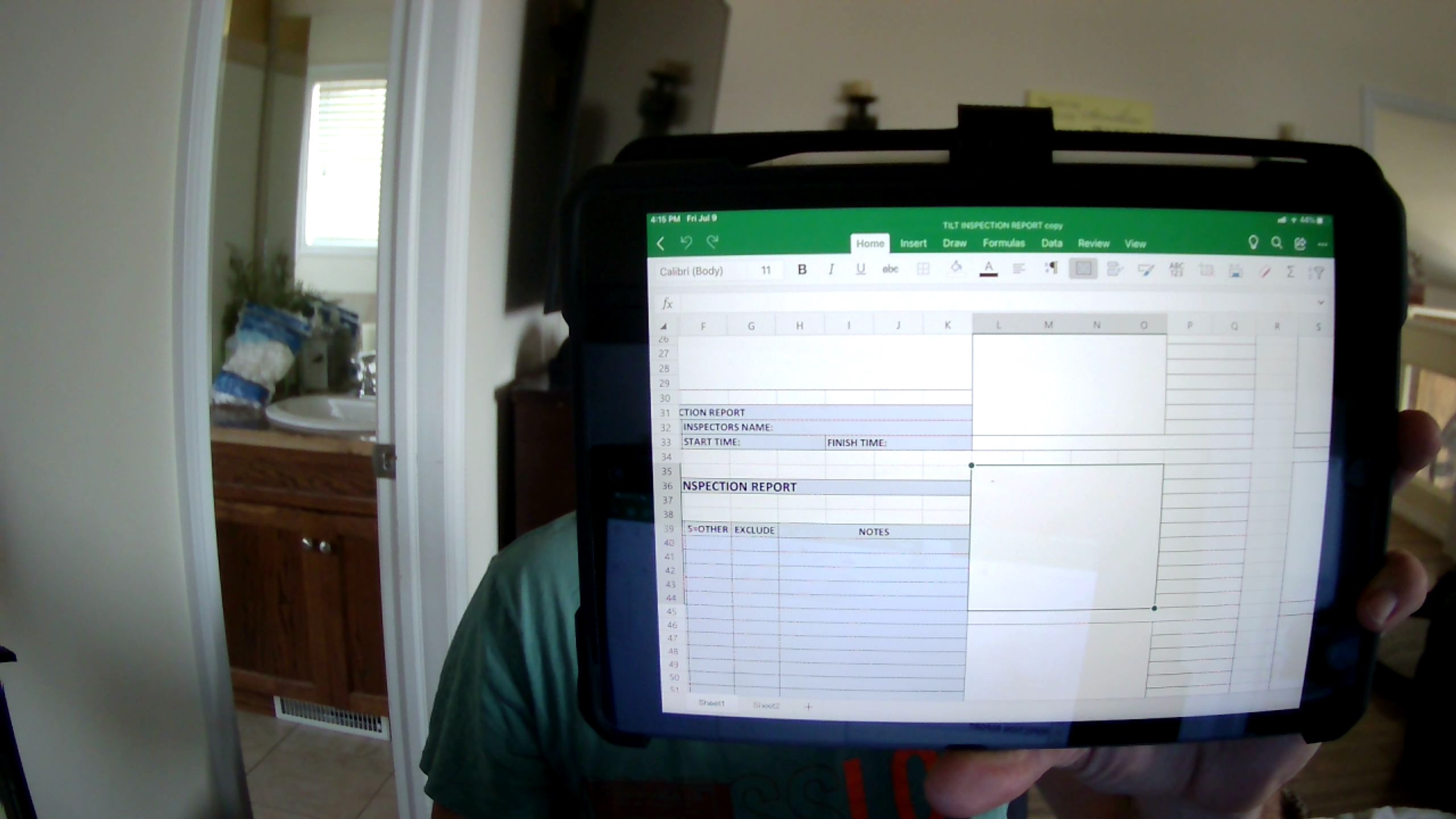
INSERT PHOTO TO EXACT SIZE
i HAVE A PLACE TO INSERT MY PHOTOS BUT WHEN I INSERT THEM I WANT THEM TO BE THE EXACT SIZE( 4 COLUMS WIDE X 10 ROWS HIGH) HOW CAN I DO THAT?
2 Replies
- DKoontzSteel Contributor
Drop in your photo or graph, then go to format > Align > snap to grid
Snap to grid will pull the corners of your object to the cell border limit. Just drag to size in your sheet there.
 Jason_PayneCopper ContributorI know that and have been using it but I was wondering if there's a way to click on the photo area click insert picture and once it inserts it the actual size of the area without me resizing