Forum Discussion

Kamil Khatib
Nov 24, 2017Copper Contributor
Incorrect date format when using text to columns
Hi,
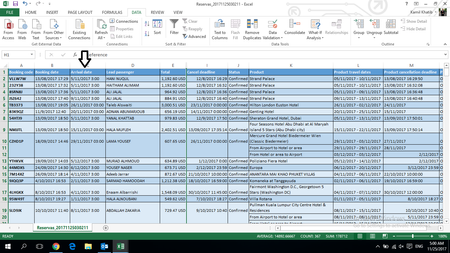
I have a problem sorting by date, i tried the Cell Format thing and also the Text to Columns to identify cells as Date cells , but nothing worked still cells are sorted incorrectly.
Anyon...

Haytham Amairah
Nov 24, 2017Silver Contributor
Some of these dates are texts, the rest are dates but I don't think they're as you think!
For example, the first date: (5/11/2017 3:00), maybe you consider it (5/Nov/2017), but it's actually (11/May/2017)!
In this case, there is no better than the Flash Fill!
Fortunately, you're using the Excel 2013 that first introduced this feature!
To fix these dates, do the following:
- Insert a column next to the column C.
- In cell D2 type: 11/5/2017.
- Do the same thing in cell D3 and D4.
- In cell D5 press Ctrl+E.
You will get a result like this screenshot: