Forum Discussion

How to unlink cells in Format Control
- Feb 09, 2026
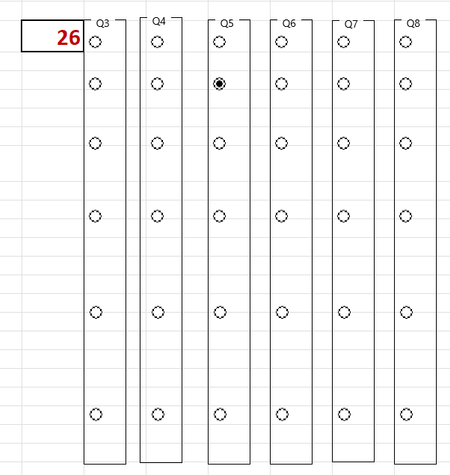
OK so I think I reproduced the problem. When I created 1 group box and then added all the select buttons into that box then after they were all created I moved them out of the box (or to a new box) they stayed linked to the original set. If I then removed the group box and added a new group box, it appeared to fix the issue but I did have to assign the referrence cell again.
The easiest way I found to delete or remove is to right click the name of the box then click somewhere else to get rid of the context menu then click Delete.
Hope that helps

OK so I think I reproduced the problem. When I created 1 group box and then added all the select buttons into that box then after they were all created I moved them out of the box (or to a new box) they stayed linked to the original set. If I then removed the group box and added a new group box, it appeared to fix the issue but I did have to assign the referrence cell again.
The easiest way I found to delete or remove is to right click the name of the box then click somewhere else to get rid of the context menu then click Delete.
Hope that helps

This seemed to work - a bit fiddly and not what the MS tutorial advises (according to them we should be able to cut and paste!) - but this seems to enable each group to be assigned to a different link cell. Thank you