Forum Discussion

roboreeves
Sep 05, 2021Copper Contributor
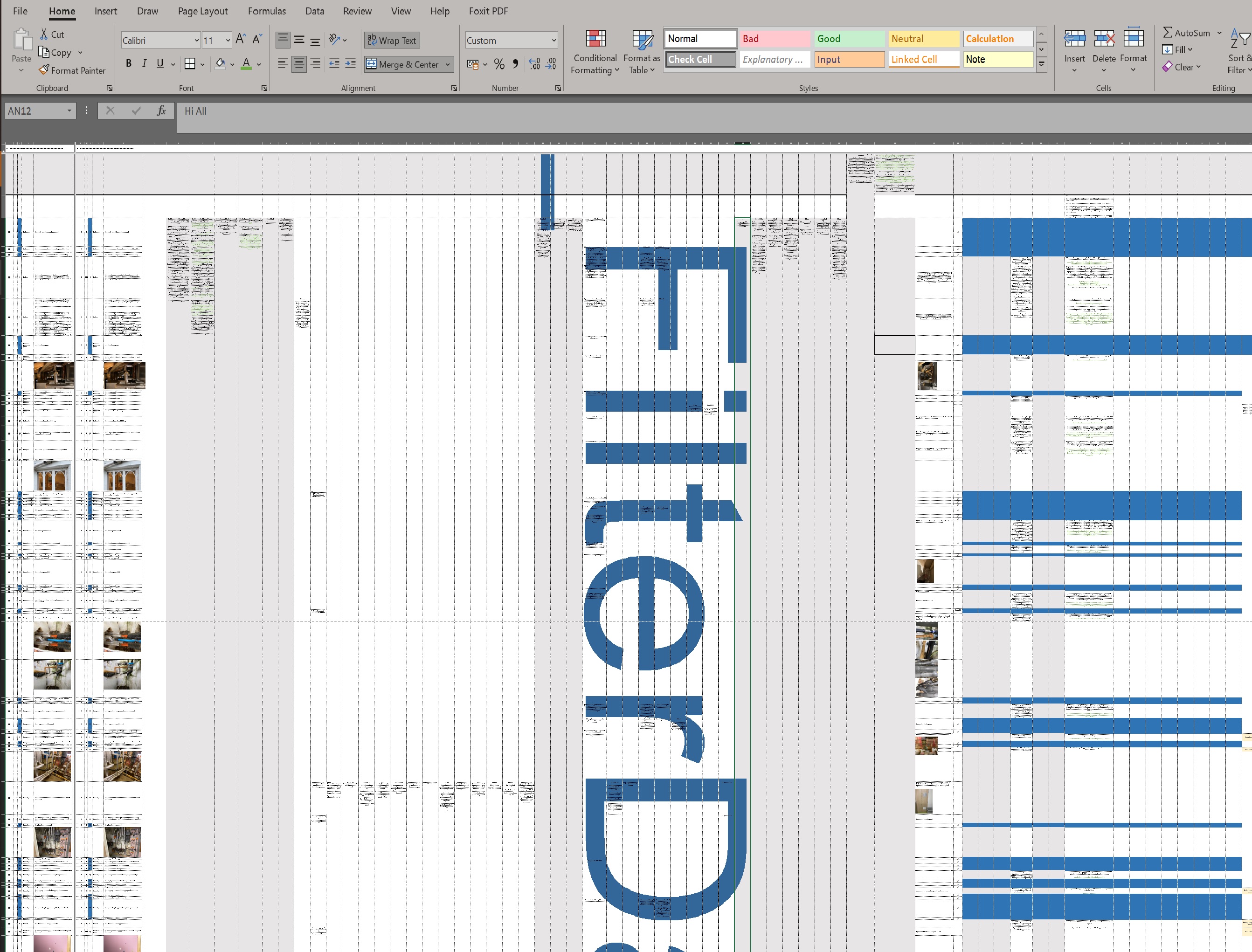
How to remove large text across worksheet
Please can someone help me remove that large text across my worksheet "_FilterDatabase" I have spent hours trying. I have tried copying the contents to a new sheet but I loose the formatting of the ...

Detlef_Lewin
Sep 06, 2021Silver Contributor

Yea_So
Sep 06, 2021Bronze Contributor
There's your answer
 roboreevesSep 06, 2021Copper ContributorThank you both soooo much for helping me!!
The problem is, it is a large sheet so at times you do want to zoom right out. Seems odd it is so hard to get rid of it.
Not to worry I will just zoom in! 🙂
Thanks again, so humbled how helpful people are- Yea_SoSep 06, 2021Bronze Contributor
As a variant although I have not tried it, you can copy a zoomed out version the entire worksheet with content and paste it in a different tab as a linked image that way when you zoom it out since you already have a zoomed image, you won't have that nuisance.
cheers
- roboreevesSep 06, 2021Copper ContributorI think I tried every paste option, one of them it looked perfect except my jpg's became all distorted. I should have started with a fresh workbook rather than build on the original from third party that has unecessary database filter. I have tried to turn off but they are greyed out. I have to issue it shortly so it will just have to stay as it is. Thanks again