Forum Discussion

olopa67
Jan 27, 2022Brass Contributor
How to get data from a file if I select the file name from a list of files?
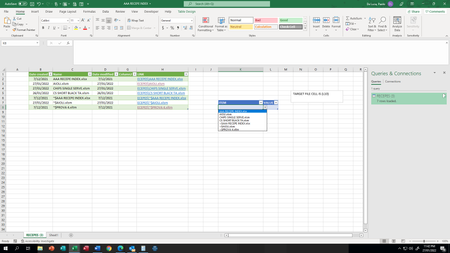
In cell K10 I have a drop list with files name (source is column C) is it possible to get the data from the selected file in the drop list? The target cell is always for example L10. So if I pick a ...
- Jan 31, 2022

SergeiBaklan
Jan 27, 2022Diamond Contributor
Instead of
='[filename]sheetname'!$L$10you may use
=INDIRECT( "'[" & K10 & "]sheetname'!$L$10
olopa67
Jan 31, 2022Brass Contributor
thank you for your reply,
I used the indirect formula in the column TARGET (G5) to have a full path with file name, file extension, work sheet and specific cell i need the value from, but it doesn't give me any result.
it works in the cell G16 where i have the same formula you can see in F16 which i typed manually.
any idea why is not working ? and how to fix it?
the idea is to have later on the column A as a drop list and use it to index and match with column g so i can have the value in G16 to change accordingly. thank you for your time
- SergeiBaklanJan 31, 2022Diamond Contributor