Forum Discussion

Anne Heij
Oct 12, 2017Copper Contributor
How to count multiple items?
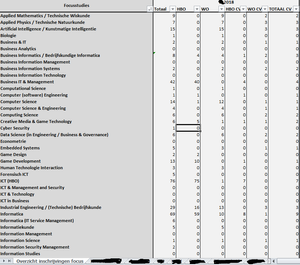
I have a worksheet (see preview) in which I am searching for a specific study in a different tab. The study can be mentioned in column N and column Q. Therefore I am using the formula count.if (=AA...

Anne Heij
Oct 12, 2017Copper Contributor
No, both have a range of 5 columns.

SergeiBaklan
Oct 12, 2017Diamond Contributor
Perhaps something like this
=SUMPRODUCT(
   (OFFSET('IT Talent 2018'!$M$6:$M$1000,0,1,,5)="Cyber Security")*
   (LEFT(OFFSET('IT Talent 2018'!$J$6:$J$1000,0,1,,5),3)="hbo")
)
Formula is in A1 of the attached file not translate manualy into your regional settings, copy/paste it in your file. But i didn't test combinations.